Why Your Business Website Is Not Generating Leads - And What to Fix First
A visitor lands on your website, reads for 15 seconds, and leaves without contacting you. This happens hundreds of times before most businesses realise their website is a brochure, not a lead engine. Here are the 7 reasons it happens - and which one to fix first.
Your analytics show visitors, your ads get clicks, yet the phone stays quiet and the inbox is empty. Before you pay for a redesign, it is worth finding out where the enquiries are actually being lost. This is the order we work through when an existing site gets traffic but no leads, starting with the checks that take minutes.
Quick answer: First confirm enquiries are really zero by testing every form, phone link and WhatsApp link on a phone and measuring them in analytics. Then fix, in this order: a broken contact path, traffic landing on the wrong page, no clear next step, pages that do not answer buyers' questions, missing trust signals, slow mobile pages and, last, the quality of the traffic itself.
Step Zero: Make Sure You Can See Enquiries
Many "no leads" sites are actually "no tracking" sites. If you cannot count form submissions, WhatsApp taps and phone taps, you cannot tell whether a change helped. In Google Analytics 4, record these actions as events and mark them as key events (GA4's current name for conversions). Then add a simple question to your process: when someone calls or messages, ask how they found you.
- Form submissions: count the thank-you page view or the form submit event.
- WhatsApp taps: count clicks on any link that starts with wa.me.
- Phone taps: count clicks on tel: links.
- Email: count mailto: clicks, if you show an email address.
Give it two to four weeks of data. If key events show people tapping WhatsApp but nobody on your team remembers the chats, the problem is response, not the website. If there are no taps at all, carry on down the list.
The Fixes, in Priority Order
- Repair the contact path: forms, phone links and WhatsApp links that fail silently.
- Send traffic to the page that matches what the visitor wanted.
- Give every key page one obvious next step.
- Answer the questions buyers ask before they contact anyone.
- Add proof that you are a real, reachable business.
- Make the mobile page load and respond quickly.
- Check whether the traffic is the right audience at all.
1. Repair the contact path
Take your own phone, switch off Wi-Fi and try to contact yourself through every route on the site. These failures are common and invisible to the owner:
- The contact form sends to an old address, or its emails land in spam because the site sends mail without proper authentication. Submit a test and check both inbox and spam.
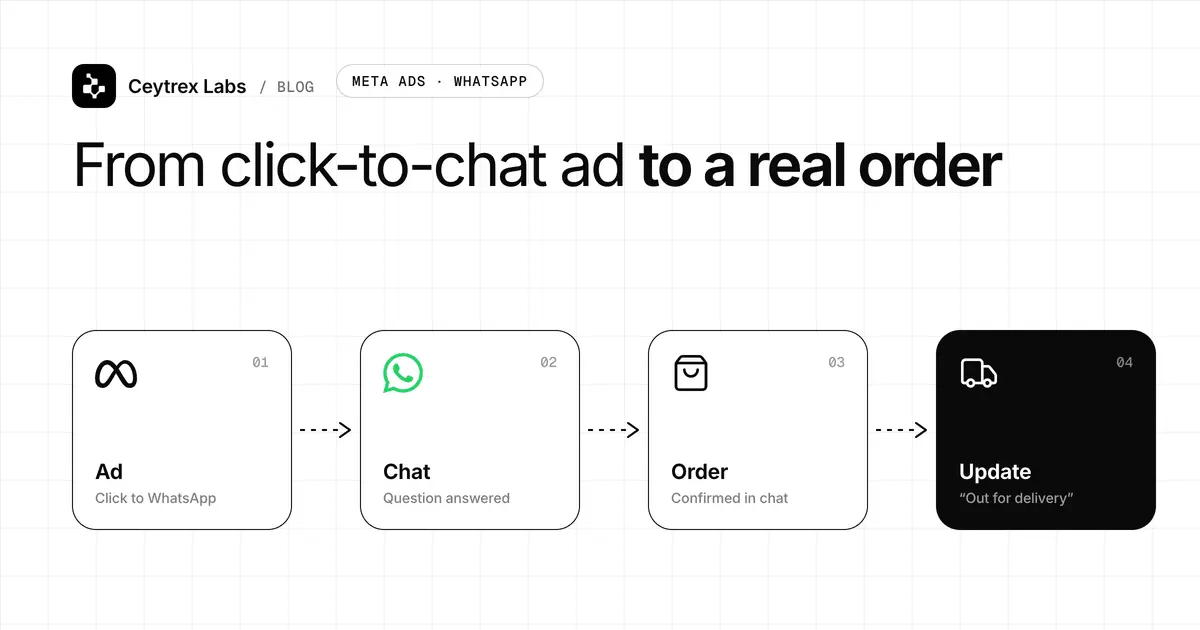
- The WhatsApp link uses the local format. WhatsApp's click to chat links need the full international number without a plus sign, leading zero or dashes, so 077 123 4567 becomes wa.me/94771234567.
- The phone number is an image or plain text, so it cannot be tapped. Make it a tel: link.
- A cookie banner, pop-up or chat widget covers the contact button on small screens.
- The form asks for too much (company, budget, how did you hear about us) or fails without an error message when a field is wrong.
2. Send traffic to the right page
Open the Performance report in Google Search Console and look at which queries and pages bring visitors. If people searching for one specific service land on your homepage, or a blog post brings visitors from another country, the traffic number flatters you. For paid traffic, check where each ad points. An ad for one offer should land on a page about that offer, not on the homepage. Our guide on landing pages vs full websites explains when a dedicated page is worth building.
3. One obvious next step
On each service page, a visitor on a phone should see what you do and how to act before scrolling far. Pick one primary action that fits how your customers buy: "Message us on WhatsApp", "Call for a quote" or "Book a visit". Keep the label specific. "Contact us" is vague; "Get a delivery quote on WhatsApp" tells the visitor exactly what happens next. Repeat the action at the end of the page, where people decide.
4. Answer buyers' questions on the page
People rarely contact a business to ask something the page should already have told them. They leave instead. Read your key pages as a customer and check that they answer:
- Roughly what it costs, or at least a starting price or what the price depends on.
- Which areas you serve or deliver to, and how long it takes.
- How people can pay: card, bank transfer, cash on delivery.
- What happens after they get in touch, and how soon you reply.
- Whether you can serve them in Sinhala, Tamil or English.
5. Proof that you are real
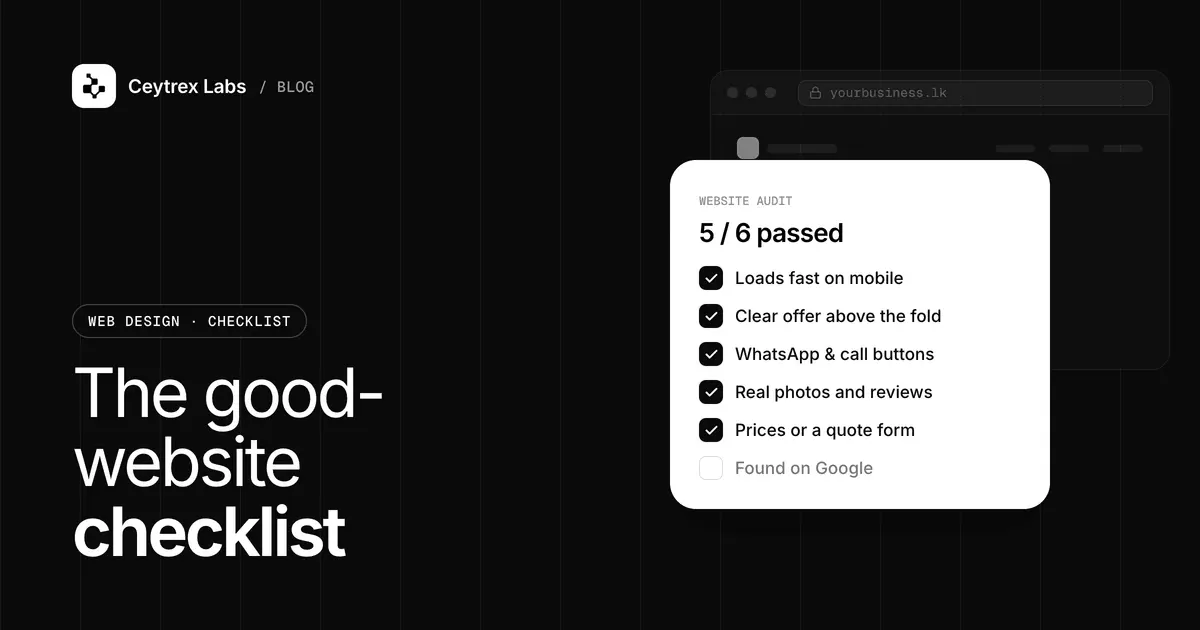
A first-time visitor wants signs that a real business is behind the page: a physical address or service area, a landline or named contact, photos of your actual team or premises, and genuine reviews. Link to your Google Business Profile, where reviews are collected independently. Google says local results are based on relevance, distance and prominence, so a complete, active profile helps beyond the website too. Never invent testimonials or copy stock "client" photos; visitors notice, and it undoes the trust you are trying to build.
6. Fast, responsive mobile pages
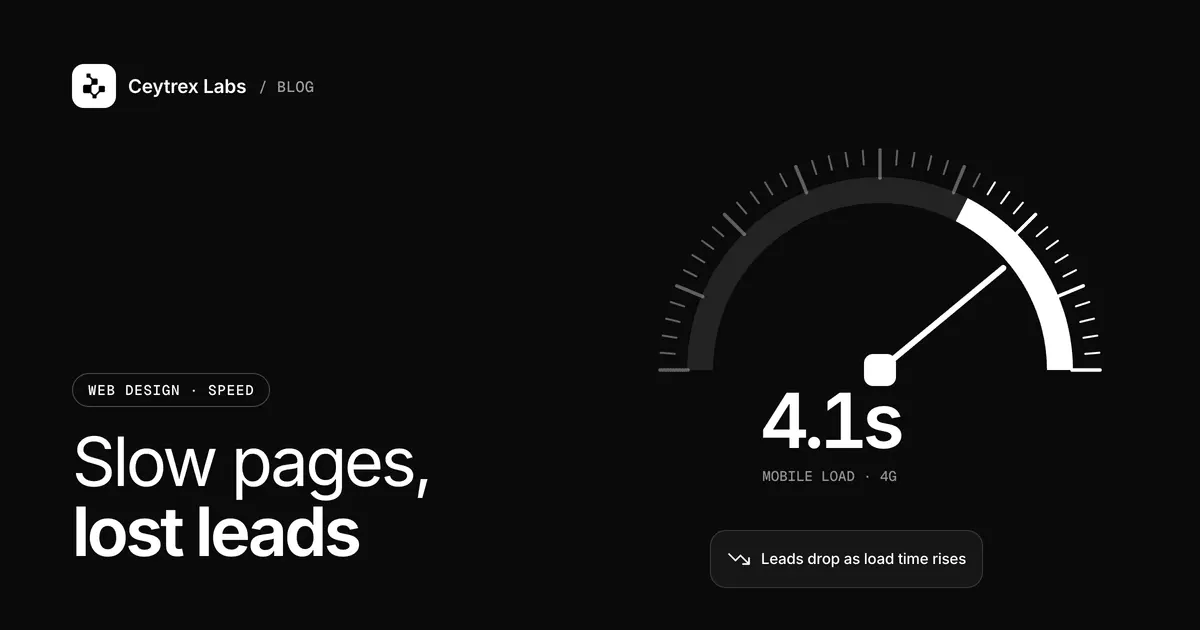
Run your main landing pages through PageSpeed Insights on the mobile setting and check the Core Web Vitals. A slow hero image or a pile of tracking scripts can delay your offer and your buttons, especially on mobile data. Speed comes sixth here, not first, because a fast page with a broken WhatsApp link still gets no leads. Our website speed guide covers the measurement and fixes in detail.
7. The right audience
If everything above checks out, look at who is visiting. Broad ad targeting, keywords that attract job seekers or students, and bot traffic all inflate visitor numbers without producing buyers. In analytics, compare engagement and key events by source and country, and cut or narrow the sources that never convert.
Symptom Finder
| What you see | Likely cause | Where to check |
|---|---|---|
| Visitors but zero recorded contacts | Broken link or form, or no tracking | Test on a phone; GA4 key events |
| WhatsApp taps but few real chats | Wrong number format or slow replies | Open the link yourself; review reply times |
| Most visits land on the homepage from ads | Ad points to a general page | Ad destination URLs |
| Visitors read and leave from service pages | Missing price, area or next step | Read the page as a customer |
| High bounce on mobile only | Slow or broken mobile layout | PageSpeed Insights, a real phone |
| Lots of traffic from abroad or irrelevant queries | Wrong audience | Search Console queries; GA4 by country |
Fix or Rebuild?
Most items above are fixes, not rebuilds: links, copy, page structure and tracking. A rebuild is worth considering when the site cannot be edited without the original developer, the platform is no longer updated, or the mobile layout is fundamentally broken. If you are planning a new site anyway, run our pre-launch website audit checklist before it goes live, and see our web development service for packages and prices.
Frequently Asked Questions
How soon should I see a difference after fixing these?
Contact-path fixes show up as soon as the next visitor arrives, so you may see enquiries within days if traffic is steady. Changes that depend on Google, such as new titles or a better Business Profile, take weeks because Google has to recrawl and re-rank pages.
Is a contact form or WhatsApp better for Sri Lankan customers?
Offer both. Many people prefer to tap WhatsApp on a phone, while others, especially business buyers on a desktop, are happier with a form or email. Measure each with key events and give more space to whichever your customers use.
Should I just spend more on ads to get more leads?
Not until the steps above are fixed. More traffic to a page that does not convert multiplies the cost of the problem. Once the contact path works and the page matches the ad, extra budget has a better chance of turning into enquiries.
Enquiries come in at night and we miss them. What can we do?
State your reply hours clearly next to the contact button so people know when to expect an answer. If volume justifies it, an AI assistant such as Ceytrex Agent can reply on WhatsApp and your website from your own product and policy information and hand the chat to staff when a person is needed.
Is there a quick way to see where my site stands?
Try our free AI Business Growth Scanner for a first look, then do the phone test in fix 1 yourself. It takes ten minutes and finds the most expensive problems.
Want a second pair of eyes on your site?
Send us the link. We will test the contact path, the key pages and mobile speed, and reply with a short list of fixes in priority order.
Sources
- Google Analytics Help: Mark events as key events - how GA4 counts conversions
- Google Search Central: Get started with Search Console - queries, pages and indexing reports
- WhatsApp Help Center: How to use click to chat - wa.me link format
- Google Business Profile Help: Tips to improve your local ranking - relevance, distance and prominence
- PageSpeed Insights - mobile speed and Core Web Vitals test