Meta Ads for Sri Lankan Businesses - What Actually Works in 2026 (And What Wastes Budget)
You set up a Facebook ad. You select Boost Post. You spend LKR 10,000. You get likes and zero inquiries. The problem is usually not the creative or the budget. It is the objective and the setup behind it. Here is what actually works for Sri Lankan businesses running Meta ads in 2026.
A common story we hear from owners in Colombo and beyond: they press "Boost post", spend a few thousand rupees, collect likes from people who will never buy, and decide Facebook ads "do not work in Sri Lanka". The platform was usually doing exactly what it was asked to do. This guide covers the part most owners skip - choosing the right objective, structuring the campaign so Meta can learn, using Advantage+ sensibly, and avoiding the mistakes that quietly burn budget.
Quick answer: Run ads from Ads Manager, not the Boost button, and pick the objective that matches the result you actually want - usually Leads (form or WhatsApp conversation) or Sales (website purchase). Keep the structure simple: one campaign, one or two ad sets, two to four ads, so each ad set can gather enough results to learn. Install the Meta Pixel before spending, and judge campaigns on cost per qualified lead or sale, not likes or reach.
Boost Post vs Ads Manager
Boosting is not useless. Meta says a boosted post can help you get more messages, video views, leads or calls (Meta: About boosted posts). The problem is control. A boost gives you a short menu of goals and a simplified audience, and it can only promote something you have already posted. Ads Manager lets you choose the objective, the conversion location (website, instant form, WhatsApp, calls), the performance goal Meta optimises for, placements, exclusions, A/B tests and conversion tracking.
Use boosting for what it is good at - giving an organic post that is already doing well a little extra reach. Use Ads Manager for anything you expect to produce inquiries or sales, and for anything you want to measure properly.
Meta's Six Campaign Objectives
Ads Manager now offers six simplified objectives. Older names such as Conversions, Messages, Reach and Lead generation were folded into these, and the detail now sits in the conversion location and performance goal you choose inside each one (Meta: How to choose the right ad objective).
| Objective | What Meta optimises for | Typical use for a Sri Lankan SME |
|---|---|---|
| Awareness | Reaching the most people likely to remember your ad | New shop opening, rebrand, an event date people need to know |
| Traffic | Clicks to a website, app or other destination | Rarely the best choice for leads - clicks are not inquiries |
| Engagement | Post interactions, video views, messages, Page actions | Starting conversations, building video viewer audiences for retargeting |
| Leads | People likely to share details via an instant form, message, call or website sign-up | Service businesses, clinics, tuition, real estate, B2B |
| App promotion | App installs and in-app actions | Only if you have an app in the Play Store or App Store |
| Sales | Purchases or other conversion events on your website, app or in chat | E-commerce stores with the Meta Pixel and purchase tracking set up |
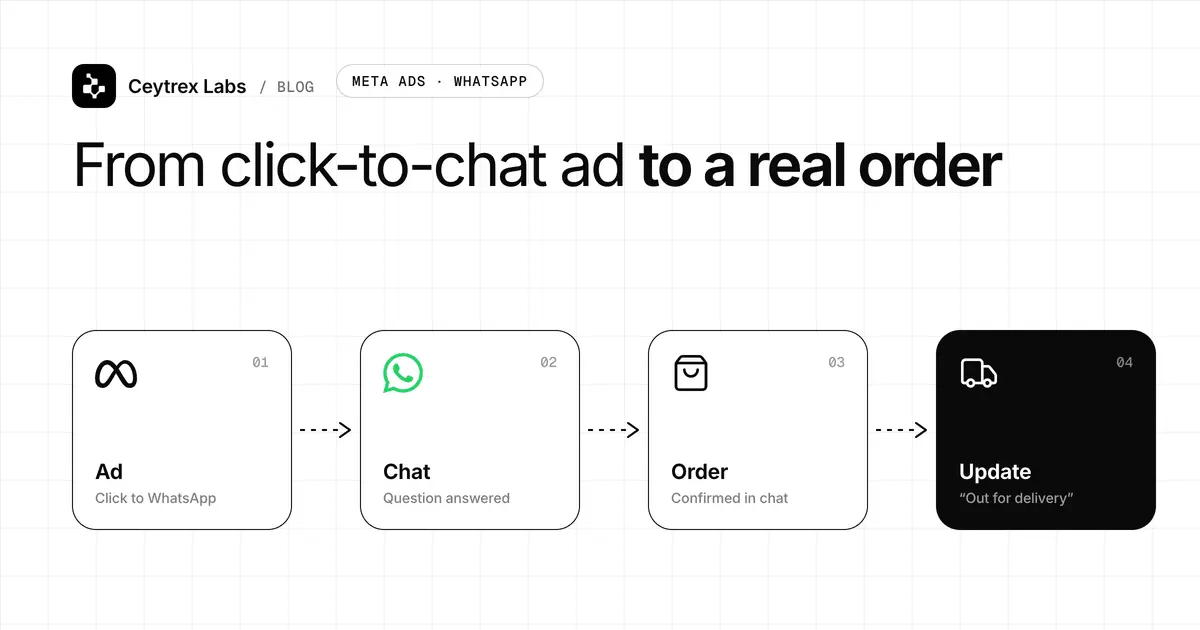
There is no longer a separate "Messages" objective. If you want WhatsApp conversations, you choose Leads, Engagement or Sales and then pick a messaging app as the conversion location. We cover that set-up step by step in Meta ads to WhatsApp: click-to-chat lead capture, and when it beats a landing page in getting leads from Facebook ads without a landing page.
Campaign Structure That Lets Meta Learn
Every campaign has three levels: the campaign (objective and, optionally, a shared budget), the ad set (audience, placements, budget, schedule, performance goal) and the ad (the creative and copy people see). Most wasted budgets we see come from too many ad sets, each with too little money.
Meta says an ad set usually leaves the learning phase after about 50 results in the week after its last significant edit, and that ad sets are less stable with a higher cost per result while learning (Meta: About the learning phase). Splitting a modest budget across five ad sets means none of them gets close. Combining similar ad sets combines what the system learns.
- Set up a Meta business portfolio (formerly Business Manager), with your Facebook Page, Instagram account, ad account and payment method owned by the business, not one employee's personal profile.
- Create one campaign per goal - for example, one Leads campaign for inquiries and, later, one retargeting campaign.
- Start with one ad set. Set the location you can actually serve (a radius around your shop, specific districts, or the whole island for delivery and online services) and leave the audience broad.
- Add two to four ads that differ in a meaningful way: a different hook, offer or format (video vs image), not just a different colour.
- Leave it alone for several days. Make edits in batches rather than every morning, because significant edits can send the ad set back into learning.
- Retire weak ads and add new ones on a schedule - for example, review creative every week or two once you have enough results to compare.
Advantage+ Basics - What to Automate and What to Keep
Advantage+ is Meta's name for its automation features: Advantage+ audience (Meta expands beyond your targeting suggestions), Advantage+ placements (Meta chooses between Facebook, Instagram, Messenger and the Audience Network), Advantage+ campaign budget (Meta moves budget between ad sets) and Advantage+ creative enhancements (automatic crops, text variations and similar tweaks). For Sales and Leads campaigns, Meta now switches many of these on by default (Meta Advantage+).
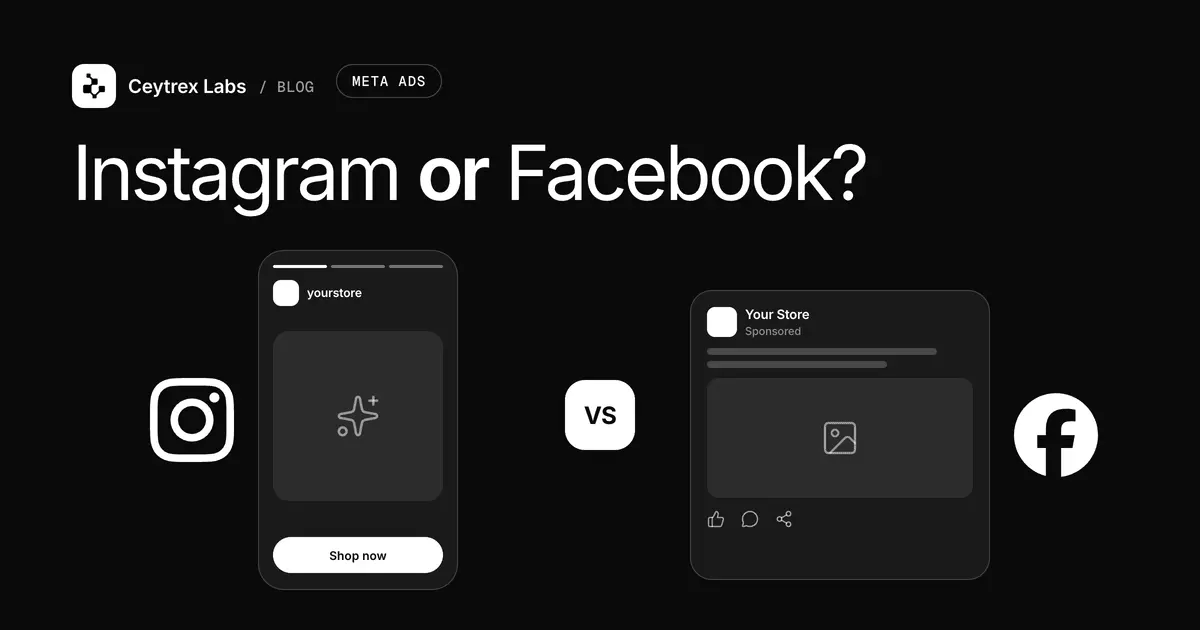
- Usually keep on: Advantage+ placements and a broad audience. Meta explains that its delivery system looks for the lowest average cost across all placements, not the cheapest result in each one (Meta: How Advantage+ placements work). Our Instagram vs Facebook ads guide covers when manual placements make sense.
- Always set yourself: location, age limits that are real (for example, 18+ for financial products), languages if your ad is only in Sinhala or Tamil, and exclusions for existing customers where it matters.
- Check before publishing: creative enhancements. Automatic text variations or added music can be wrong for a clinic, a law firm or a Sinhala-language ad. Preview every placement and switch off the enhancements you would not approve yourself.
- Watch after launch: the placement and audience breakdowns. Automation optimises for the event you chose. If you optimise for cheap form submissions, it will find cheap form submissions - which is why lead quality checks matter.
Tracking Before Spending
The Meta Pixel is a piece of code on your website that records actions such as a form submission or purchase, lets you build retargeting audiences from visitors, and lets Meta optimise for those actions (Meta: About the Meta Pixel). If you send ads to a website, install it and test the events before the campaign starts. A slow or confusing page will waste the traffic you pay for - our guides on website speed and conversions and why business websites fail to produce leads cover the usual fixes.
For WhatsApp and instant-form campaigns, the important number lives outside Ads Manager: how many of those conversations or forms became paying customers. A simple sheet with date, source ad, lead name, outcome and value is enough to start. Without it, you can only measure cost per message, which says nothing about sales.
Common Mistakes That Waste Budget
- Optimising for the wrong event. Traffic and Engagement campaigns are judged on clicks and interactions. If you want inquiries, choose Leads or Sales and set the matching conversion location.
- Too many ad sets for the budget. Five ad sets at a few hundred rupees a day rarely leave learning. Consolidate until each ad set can realistically gather a steady flow of results.
- Editing every day. Daily budget, audience and creative tweaks keep resetting learning. Decide on a review day and make changes in one batch.
- Instant forms with no friction. Short pre-filled forms produce volume, but also accidental and low-intent submissions. Add one qualifying question (district, budget range, preferred date) or use the higher-intent form type in the form settings.
- Slow follow-up. A lead that waits until tomorrow for a reply has often already messaged a competitor. Decide who answers ad leads, and how fast, before the ads go live.
- Judging too early. A campaign that spent a day's budget has not told you much. Give it enough spend to collect a handful of results before deciding.
- No creative refresh. In smaller audiences such as one city, the same people see the same ad repeatedly. Watch frequency and rotate new creative before results fade.
- Ignoring ad policy. Health claims, financial offers, before-and-after images and job or housing ads have extra rules. Read Meta's Advertising Standards before launching in these categories to avoid rejections and account restrictions.
What to Review Each Week
| Number | Where to find it | What it tells you |
|---|---|---|
| Cost per result | Ads Manager, Results and Cost per result columns | Whether the ad set is buying the action you optimised for at a price you can afford |
| Cost per qualified lead | Your own lead sheet: spend divided by leads that were genuine prospects | Whether the leads are real - the number that matters for service businesses |
| Cost per customer | Spend divided by leads that paid | Whether the campaign is profitable once your close rate is included |
| Frequency | Ads Manager, Frequency column | How often the same people see your ad; rising frequency with rising costs means creative fatigue |
| Delivery status | Ads Manager, Delivery column | "Learning" or "Learning limited" means the ad set is not getting enough results to stabilise |
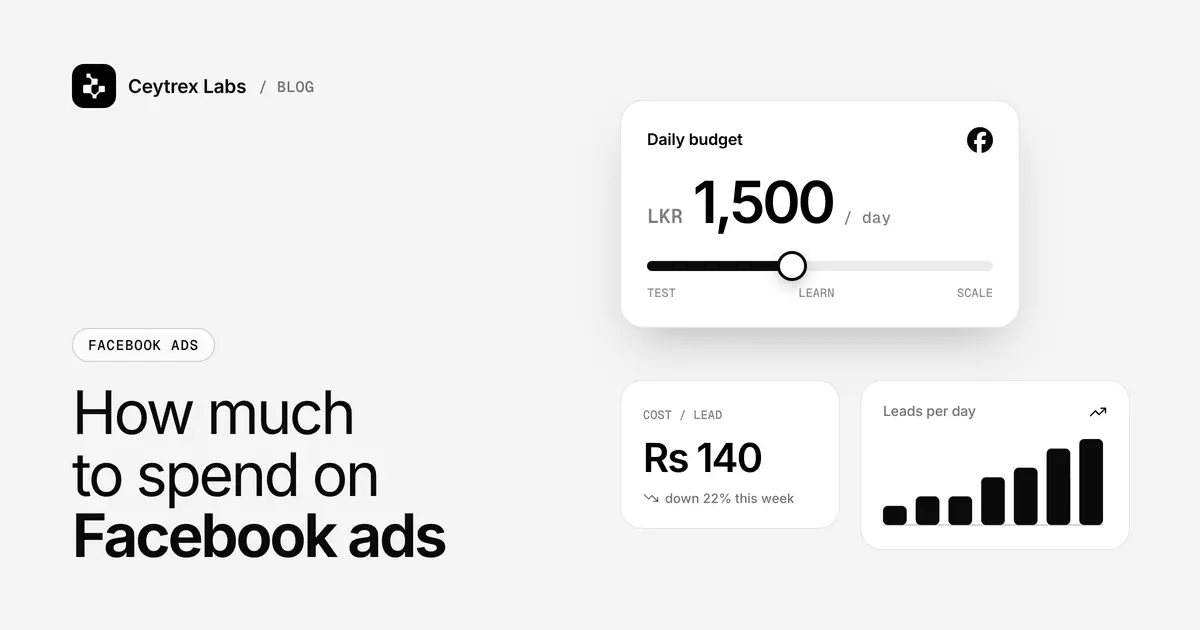
How much to spend, how to calculate the cost per lead you can afford, and how to scale a winning ad set are covered in our Facebook ads budget guide.
Frequently Asked Questions
Do I need a Facebook Page and an Instagram account to run Meta ads?
You need a Facebook Page as the identity your ads run from, and an ad account with a payment method, ideally inside a Meta business portfolio owned by the business. Connecting your Instagram professional account is strongly recommended so Instagram placements show your real handle and comments go to your account.
Should I write ads in Sinhala, Tamil or English?
Write in the language your buyers use when they message you. Many Sri Lankan businesses run separate ads for English and Sinhala or Tamil, because a mixed-language ad reads awkwardly to everyone. If an ad is only in one language, it is worth setting the language targeting in the ad set so Meta does not show it to people who cannot read it.
Is Advantage+ audience safe for a business that only serves one city?
Yes, as long as you set the location yourself. Advantage+ audience expands who sees the ad based on your suggestions, but it stays inside the location you set. For a Kandy salon, set a realistic radius around the salon and let Meta find the right people inside it.
My ad was rejected. What should I do?
Open Account Quality in your business portfolio to see which policy was flagged. Common causes are personal-attribute wording ("Are you overweight?"), unrealistic results claims and restricted categories. Edit the ad to fix the issue, or request a review if you believe it was rejected by mistake.
When should I hire someone to run my ads?
When the ads already make sense on paper - you know your offer, your target cost per lead and who handles follow-up - but you lack time to run tests and review numbers every week. Paying someone before those basics exist usually just spends the same budget faster.
Send your ad traffic somewhere that converts
Ceytrex Labs builds fast landing pages and business websites with the Meta Pixel and lead tracking set up from day one. Landing pages start from LKR 45,000 with a fixed quote after a free consultation.
Sources
- Meta: How to choose the right ad objective in Meta Ads Manager - the six simplified objectives and how old objectives map to them
- Meta: About the learning phase - about 50 results in the week after a significant edit, best practices
- Meta: About boosted posts - what boosting can and cannot do
- Meta Advantage+ - Advantage+ audience, placements, budget and creative features
- Meta: How the delivery system works with Advantage+ placements - why per-placement costs can mislead
- Meta: About the Meta Pixel - website event tracking and retargeting audiences
- Meta Advertising Standards - rules for restricted and prohibited ad content