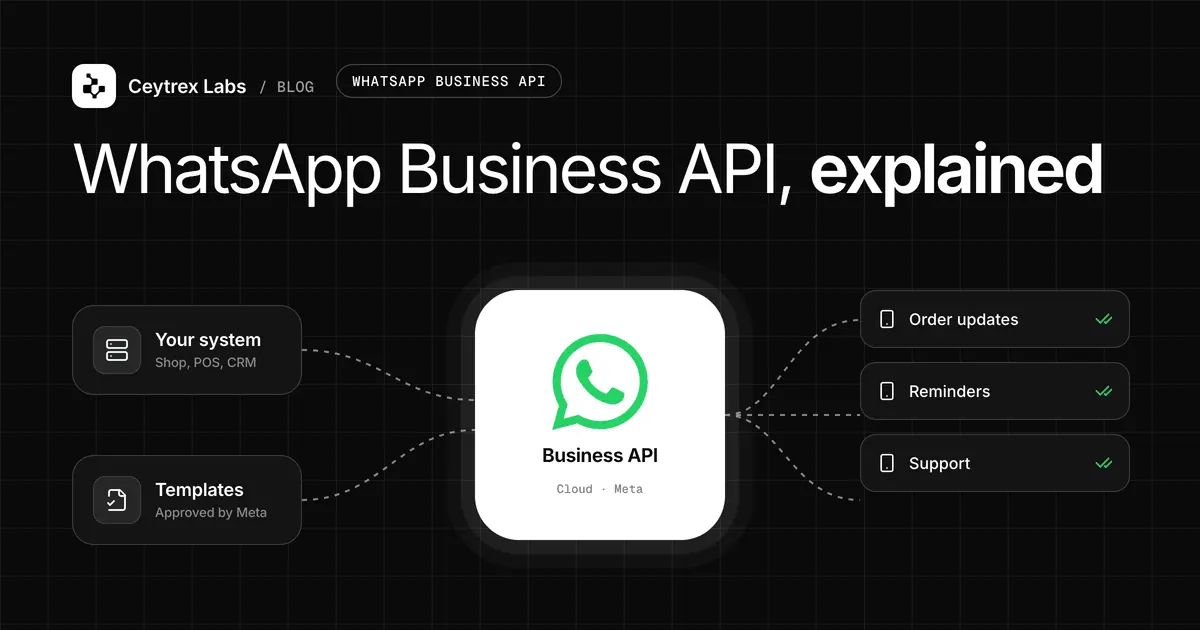
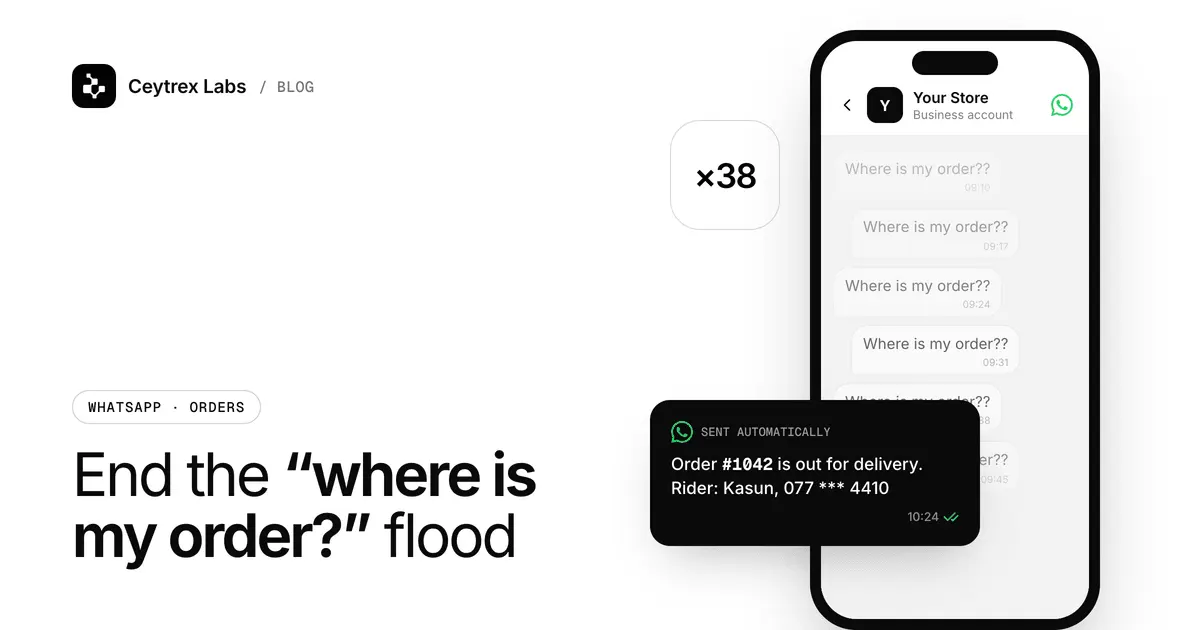
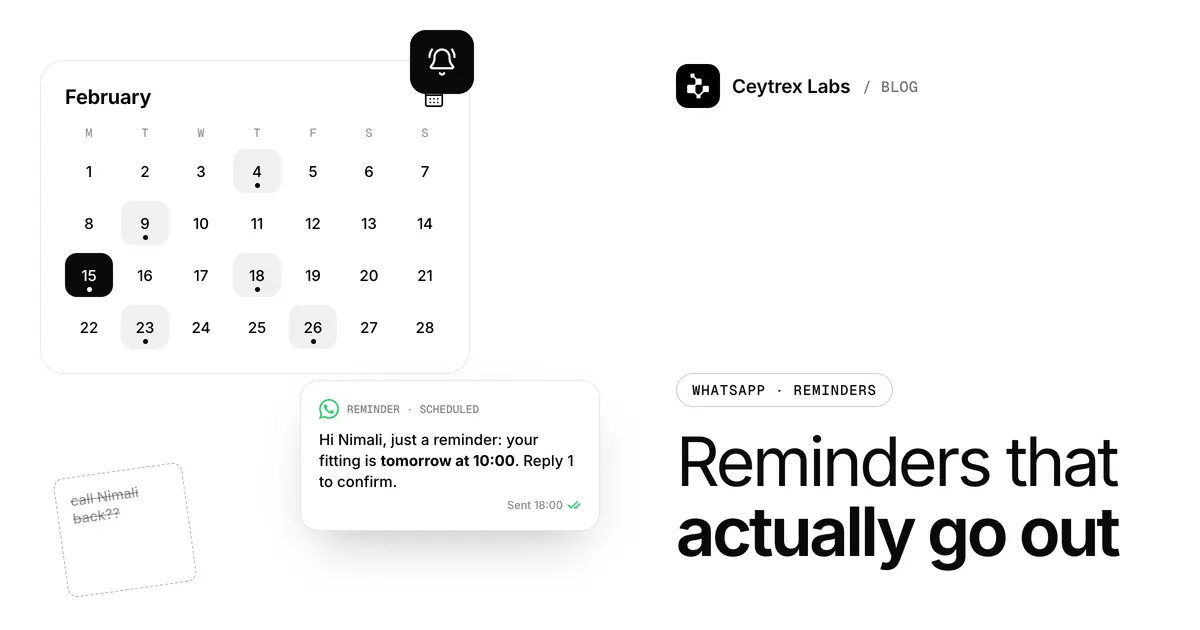
WhatsApp Order Notification Automation for Businesses - Stop Typing the Same Update by Hand
Your business confirms orders and bookings every day. Without a system, someone is typing that confirmation by hand, every single time - and forgetting the follow-up status update just as often. Here is how to fix that.
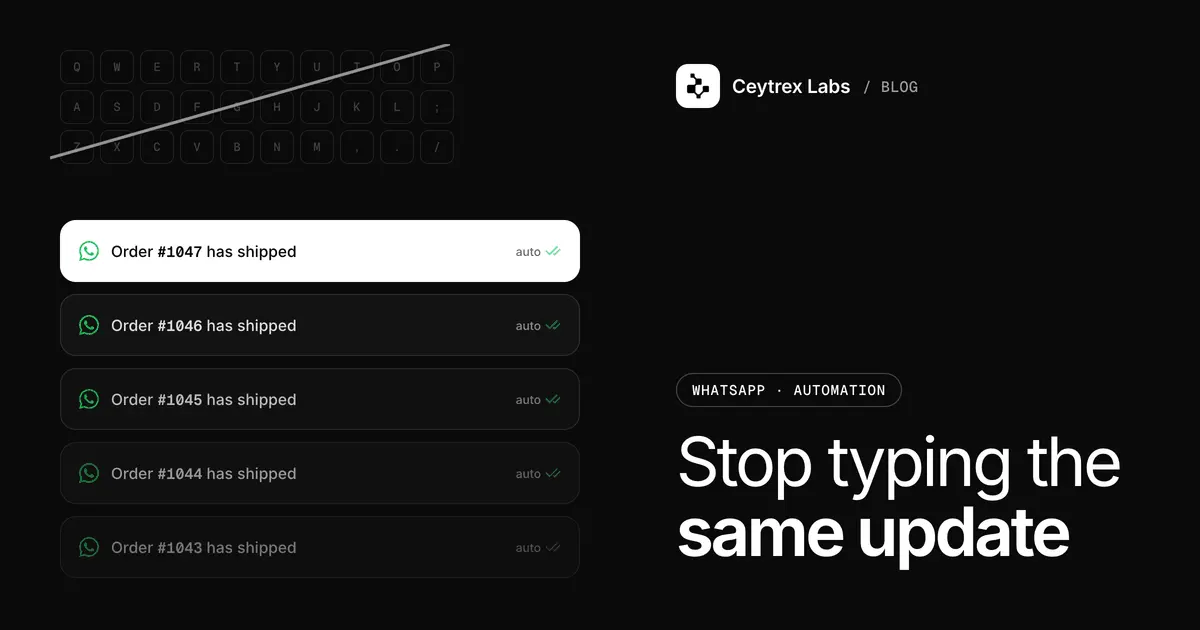
Deciding to automate WhatsApp order updates is easy; doing it well means a handful of small decisions that are easy to get wrong - which events deserve a message, how to word templates so Meta prices them as utility, how to collect consent, and how to know messages actually arrived. This is the implementation walkthrough we follow when we set up notifications for Sri Lankan shops, clinics and service businesses.
Quick answer: List the order, booking and payment events customers care about; write one non-promotional utility template per event in English, Sinhala and/or Tamil and get each approved by Meta; have your store, booking or billing system call the notification API (or a Zapier, Make or n8n HTTP step) when the event happens; collect opt-in at checkout and follow Sri Lanka's data protection law; then test on real phones and watch delivered, read and failed statuses. At Meta's October 2026 rates a utility message to a Sri Lankan number costs about Rs 0.66.
Step 1: Map Events to Messages
Start from your order or booking lifecycle, not from WhatsApp. Each status your system already records is a candidate notification; keep only the ones a customer would otherwise ask about.
| Business | Event in your system | Message | Usually worth sending? |
|---|---|---|---|
| Online shop | Order created | Order confirmed, with order number and total | Yes |
| Online shop | Handed to courier | Shipped, with courier name and tracking number | Yes |
| Online shop | Cash-on-delivery order due today | Out for delivery, please keep cash ready | Yes |
| Clinic or salon | Booking created | Booking confirmed, date, time, branch | Yes |
| Clinic or salon | 24 hours or 2 hours before slot | Reminder, with reschedule instructions | Yes |
| Tuition class | Monthly fee recorded as paid | Payment received, receipt attached | Yes |
| Any | Internal status (picked, QC passed) | None - customers do not need it | No |
Three to five messages per order is typical. More than that and customers start muting you. Reminders are just events with a time attached: your booking system (or a scheduled Zapier or Make step) decides when the reminder is due and triggers it at that moment. Reminder timing and wording for unpaid invoices and missed appointments is covered separately in our follow-up and reminders guide.
Step 2: Keep Every Template in the Utility Category
To start a conversation on WhatsApp, a business must use a template that Meta has approved, and Meta prices templates by category. Utility templates must be non-promotional and tied to a specific transaction or request; a template that mixes an order update with an offer is marketing (Meta: Template categorization). For Sri Lankan numbers that difference is about Rs 0.66 versus about Rs 24 per message (approx., October 2026, per Meta's pricing page).
| Stays utility | Becomes marketing |
|---|---|
| "Your order {{1}} is confirmed. Total Rs {{2}}." | "Your order {{1}} is confirmed. Get 10% off your next order with code THANKS10." |
| "Your appointment is on {{1}} at {{2}}. Reply 1 to confirm." | "Your appointment is on {{1}}. Try our new keratin treatment!" |
| "How was your delivery for order {{1}}?" (tied to a specific order) | "Tell us what you think of our store!" (generic) |
Meta also re-checks approved templates and can move a utility template to marketing, usually with a day's notice by email or in WhatsApp Manager. If a promotion matters to you, send it as a separate, clearly marketing template to customers who agreed to offers - never inside an order update.
Step 3: Write Templates in Sinhala, Tamil and English
- One template per language. WhatsApp stores each language as its own version of a template, and each is reviewed. Pick the language per customer from what they chose at checkout, or default to the language of your shop's audience.
- Write natively, do not machine-translate. Customers notice stiff Sinhala or Tamil. Short sentences translate best: what happened, the key detail, what to do next.
- Use variables for the specifics - order number, amount, date, branch - and give realistic sample values when you submit, or reviews can be rejected.
- Numbers and dates. Write amounts as "Rs 4,500.00" and dates as "18 Oct, 3:30 PM" so they read the same in every language.
- Buttons and attachments. A "Track order" link button or an attached PDF receipt is allowed in utility templates as long as the content stays transactional.
- Name your business in the message so customers recognise it even if they never saved your number.
You submit templates through WhatsApp Manager or your provider's dashboard, one version per language, optionally with an image or document header. Meta's review usually takes from minutes to a few business days.
Step 4: Connect Your System
There are two common ways to fire a notification when an event happens:
- Direct API call (best for custom sites and POS systems). Your developer adds one HTTPS request in the code that changes the order status. Typically that is a POST to your provider's API (or Meta's Cloud API) with an access key, the customer's number, the template name and the variable values. Use a separate key per system where your provider allows it, so you can revoke one without touching the others.
- No-code automation (best for Google Sheets, form tools and hosted stores). In Zapier, Make or n8n, set the trigger (new row, new order, status changed) and add an HTTP request step that calls the same endpoint. This is also a common route for WooCommerce and Shopify stores when a ready-made plugin does not fit.
Store phone numbers in international format (94771234567) from the start; most delivery failures in our projects trace back to numbers saved as 077-123 4567 or with missing digits. If you would rather not touch the integration yourself, our team can build it as custom software work.
Step 5: Opt-in and Consent
Meta requires that people opt in before you message them on WhatsApp, that the opt-in names your business, and that it makes clear they are agreeing to receive messages; Meta also recommends telling people how to opt out of specific message types and honouring it (Meta: Getting opt-in). In practice:
- Add a line next to the phone field at checkout or booking: "Send my order updates on WhatsApp from [Business name]." A pre-ticked box is weaker evidence than one the customer ticks.
- Store when and where each customer opted in.
- Keep order-update consent separate from marketing consent; a customer can want delivery updates without wanting offers.
- Honour "stop" replies quickly and remove the number from future sends.
Sri Lanka's Personal Data Protection Act, No. 9 of 2022 also applies to customer phone numbers. An earlier plan to bring its main obligations into force in March 2025 did not go ahead; according to reporting on Gazette No. 2498/16 of 22 July 2026, Part I (rules for processing personal data) and Part III (duties of controllers and processors) take effect on 1 January 2027. Check the Data Protection Authority for the current position on the other Parts, including Part IV on solicited messages. Collecting numbers for a stated purpose (sending order updates), keeping them secure and not reusing them for unrelated marketing without consent is the safe baseline. This is general guidance, not legal advice - for larger databases, take advice on your obligations.
Step 6: Test Before You Switch It On
- Send each template to two or three staff phones, including one set to Sinhala or Tamil, and read them on both Android and iPhone.
- Place a real test order end-to-end and confirm each status change sends exactly one message - not zero, not two.
- Test a wrong number and a number not on WhatsApp so you know what a failed message looks like.
- Check that cancelling or refunding an order does not trigger the "shipped" message.
- Confirm a card is on your WhatsApp Business Account in Meta Billing Hub, because Meta bills message fees there.
Step 7: Monitor Delivery and Cost
Every WhatsApp message reports whether it was sent, delivered and read, or failed. Your provider or integration should store that status on each message so you can see volume, delivery and read rates and failures by message type. Watch three things weekly:
- Failed messages - usually bad numbers or customers not on WhatsApp; fix the data at source.
- Read rate per template - a template few people read may be arriving at the wrong moment.
- Meta's bill - if marketing charges appear where you expected only utility, a template has been recategorised.
Example (illustration, approximate October 2026 rates): a salon sends 600 booking confirmations and 600 reminders a month. Meta's fees are about 1,200 x Rs 0.66 = Rs 792, plus whatever your provider charges on top, so check whether a plan's monthly allowance covers your real volume before you choose it. Note that since October 2026 Meta also charges utility templates sent while the customer's chat is open. Whether automatic updates reduce "where is my order?" questions for your business is something to measure before and after; our post on order-status questions covers how.
Frequently Asked Questions
Can I send order updates from the WhatsApp Business app number I already use?
Yes. Meta now allows a number on the WhatsApp Business app to be connected to the Platform while you keep using the app for chats, and many providers can connect such a number during Meta's embedded "Sign in with Facebook" signup. A number on personal WhatsApp must move to the Business app first.
What happens if a customer replies to a notification?
The reply opens a 24-hour window in which you can answer free-form. If your notification tool has no inbox and you connected your Business app number, you answer from the app as usual. If replies are frequent, consider an AI assistant such as Ceytrex Agent or a team inbox tool.
Should I send notifications by SMS as well?
For customers without WhatsApp or for critical messages such as OTPs, SMS is a useful fallback. Our Ceytrex eSMS guide covers SMS pricing and sender IDs; many businesses send WhatsApp first and SMS only when WhatsApp fails.
How many notifications per order is too many?
Three to five per order is a good ceiling: confirmation, dispatch, out for delivery or ready for pickup, and delivered or receipt. Skip internal steps. If customers block or report your number, Meta can lower your quality rating and limit sending.
Do I need Meta business verification before I start?
Not to start. A new account can message 250 unique customers a day outside open chats. Verification with your business registration certificate raises that to 2,000 and lets Meta scale it further, so start it early if you expect volume (Meta: Messaging limits).
Turn order events into WhatsApp updates
We can connect your store, booking or billing system to the official WhatsApp Business Platform as a custom software project. For the replies that come back, Ceytrex Agent answers customer questions in English, Sinhala and Tamil.
Sources
- Meta: Template categorization - utility vs marketing rules and recategorization
- Meta: Pricing on the WhatsApp Business Platform - per-message rates for Sri Lanka, October 2026 changes
- Meta: Getting opt-in for WhatsApp - consent requirements
- Meta: Messaging limits - daily limits for new and verified businesses
- Data Protection Authority of Sri Lanka - Personal Data Protection Act No. 9 of 2022
- Daily FT: Data protection compliance regime takes effect on 1 Jan 2027 - Gazette No. 2498/16 commencement of Part I and Part III