Telegram Bot vs WhatsApp Bot - Which Automation Channel Is Better for Your Business?
Telegram's Bot API is free, flexible and can be live in days. WhatsApp's official Business Platform has per-message fees for templates, a 24-hour reply window and strict template rules. The right channel depends on who your customers are and what you are automating.
Telegram and WhatsApp can both run bots that answer questions, take orders and send updates, but the rules underneath are very different. Telegram gives developers a free, open API. WhatsApp offers an official platform with per-message fees and strict templates, plus unofficial "linked device" bots that avoid the fees but carry restriction risk. This comparison sets out the costs, rules and trade-offs so you can pick the right channel for each job.
Quick answer: If your customers are already on Telegram, or the bot is for your own staff or a community, Telegram is cheaper and more flexible: the Bot API is free and there is no template approval. If you need to reach typical Sri Lankan consumers, WhatsApp usually wins on reach. Use the official WhatsApp Business Platform for order and booking notifications (Meta charges per template message), and consider an unofficial WhatsApp-Web-style bot only for replying to customers who message you, accepting that WhatsApp may restrict the number.
The Three Options You Are Actually Choosing Between
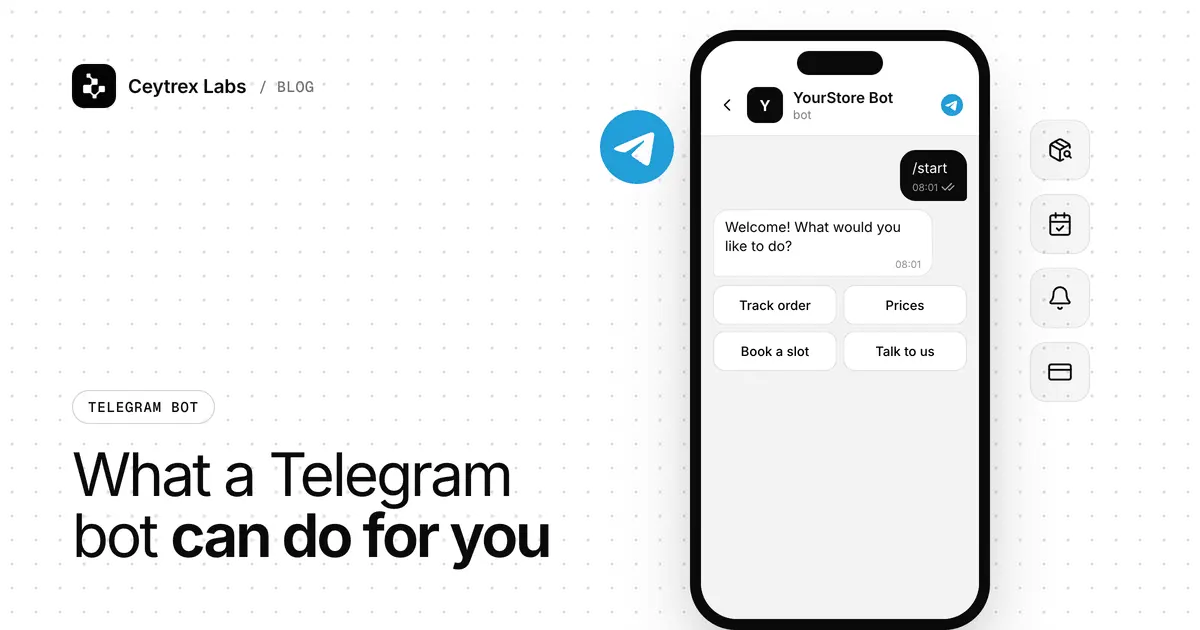
- Telegram bot - built on Telegram's Bot API, which Telegram says is free for users and developers (Telegram: Bots). No business verification, no message templates.
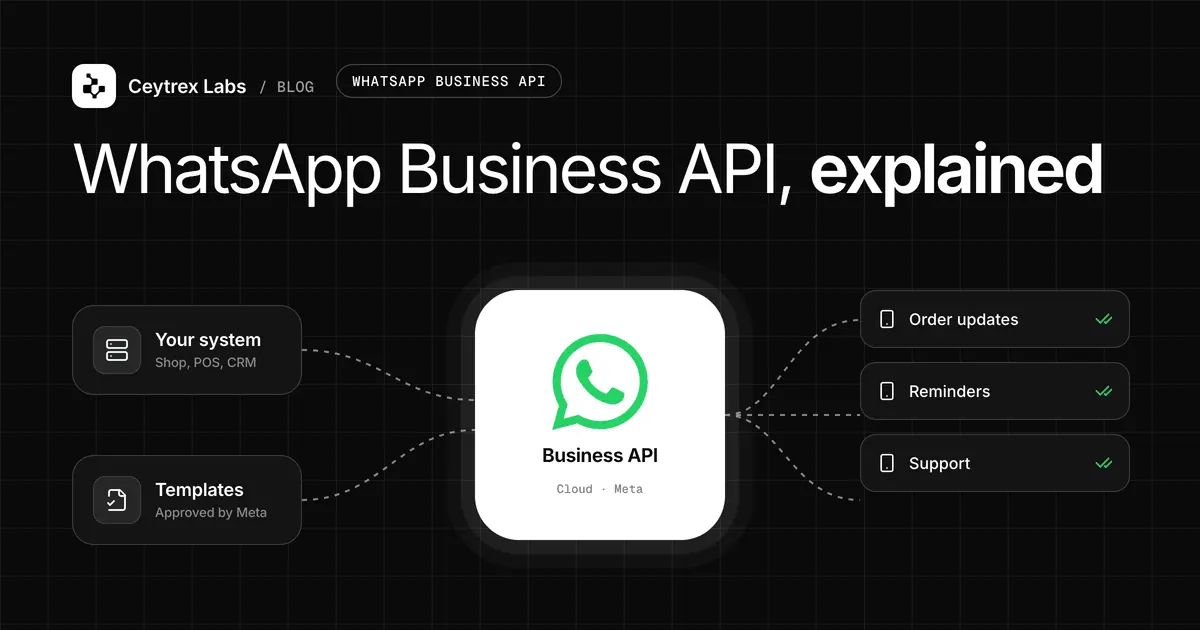
- WhatsApp Business Platform (official API) - Meta's API for businesses, used directly through the Cloud API or through a provider. Fully supported, but outbound messages need approved templates and Meta charges per delivered template message.
- Unofficial WhatsApp bot - software that links to a normal WhatsApp number the way WhatsApp Web does, by scanning a QR code. No Meta fees and no templates, but it is not an official integration, and WhatsApp can restrict numbers it thinks are automated.
How the Official WhatsApp Platform Charges (2026)
Since 1 July 2025, Meta charges per message rather than per conversation (Meta: WhatsApp pricing). The rules that matter for a bot:
- The 24-hour customer service window. When a customer messages you, a 24-hour window opens. Inside it you can send normal, free-form replies. These were free until 1 October 2026; since then Meta charges for each service reply (Meta: non-template message pricing). Once 24 hours pass since the customer's last message, you can only send templates.
- Templates are charged by category. Marketing, utility and authentication templates each have their own rate per country. Utility templates sent inside an open service window were free until 1 October 2026 and are now charged at the utility rate.
- Ads give a longer free window. When someone messages you from a Click to WhatsApp ad or a Facebook Page button, a free entry point window stays open for 72 hours, and messages in it are free, templates included.
- Templates need approval. Every template is reviewed, review can take up to 24 hours, and only approved templates can be sent; quality feedback can later pause or disable one (Meta: template guidelines).
Meta publishes rates in its rate cards on the pricing page. For Sri Lanka in October 2026 they work out to roughly Rs 0.66 per utility message and Rs 24 per marketing message (approximate, they vary with exchange rates and volume tiers, so check Meta's page before you budget).
Example (illustration only): a shop sending 800 order confirmations a month as utility templates outside the service window pays Meta about Rs 528 a month at the rate above. Sending one marketing offer to the same 800 people costs about Rs 19,200. On Telegram, both would carry no message fee from Telegram, but only customers who had started your bot would receive them.
Side-by-Side Comparison
| Telegram bot | WhatsApp official platform | Unofficial WhatsApp bot | |
|---|---|---|---|
| Platform message fees | None for normal use (Telegram) | Per message (templates, and service replies since Oct 2026) | None |
| Approval needed | None, create with @BotFather | Meta business account setup and template approval | None, scan a QR code |
| Can it message first? | No, the user must start the chat | Yes, with an approved template and opt-in | Technically, but risky; reply-only is safer |
| Buttons | Inline keyboards under any message | Up to 3 reply buttons or a list of up to 10 rows (Meta) | Mostly plain text |
| Groups and channels | Bots can be group or channel admins | Built mainly for one-to-one chats | Depends on the software |
| Restriction risk | Low if you follow the Bot Developer Terms | Low if you follow WhatsApp Business policies | Real: WhatsApp can restrict or ban the number |
| Customer reach in Sri Lanka | Only people who use Telegram | Very broad | Very broad |
Telegram says it has over 1 billion active users worldwide (Telegram FAQ). There is no reliable public figure for Sri Lanka, but in the projects we see, most local consumers contact businesses on WhatsApp first. That single fact often decides the question for customer-facing bots.
When Telegram Is the Better Choice
- Internal tools. Staff alerts, daily sales summaries, approvals and field reports. Your team agrees to install Telegram, and there are no message fees or templates.
- Communities and channels. Bots can moderate groups and post into channels; see our guide to growing a Telegram channel.
- Audiences already on Telegram. Some student, tech, hobby and international customer groups prefer it.
- Rich menus. Inline keyboards can be edited in place, which makes multi-step menus easy; see how we design a support bot menu.
- Frequent updates to people who opted in. Once someone has started your bot, updates carry no per-message fee from Telegram.
When WhatsApp Is the Better Choice
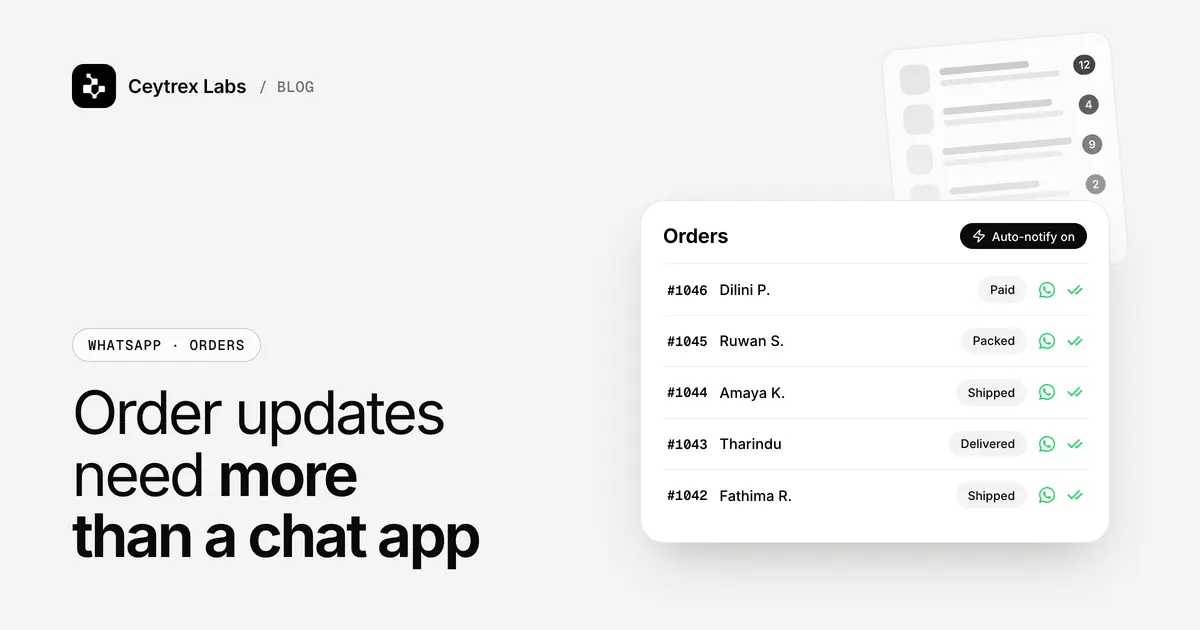
- Order, booking and delivery messages to general consumers. These are utility templates on the official platform, which Meta prices low and which customers actually see. A notification provider or a custom integration sends these from your store, booking or billing system through a REST API, with templates in English, Sinhala and Tamil and delivery and read status.
- Leads from Click to WhatsApp ads. The conversation already starts in WhatsApp, and the 72-hour free window applies.
- AI answers to customer questions on WhatsApp. Ceytrex Agent replies in English, Sinhala and Tamil from your own catalogue and policies and alerts staff when a person is needed. It connects like WhatsApp Web via QR, so there are no Meta fees, but it is an unofficial link: it only replies to people who message first, never sends bulk messages, and WhatsApp can still restrict numbers it thinks are automated.
- Customers who will not install another app. Asking a customer to download Telegram just to talk to you usually loses them.
Do not use an unofficial WhatsApp bot to send bulk or cold messages. That is exactly the behaviour most likely to get a number restricted. For messages you start, such as order updates, use the official platform.
Running Both
Many businesses do not need to choose. A common split we build: customer order and booking notifications on official WhatsApp (through a provider or Meta's Cloud API), customer questions answered on WhatsApp (by staff or by Agent), and a Telegram bot for the internal side, for example posting each new order or high-value lead to a staff group. The logic can be shared, but each platform needs its own build because the APIs are different.
Cost Summary
| Option | Build or setup | Ongoing |
|---|---|---|
| Custom Telegram bot (Ceytrex Labs) | LKR 20,000-75,000+ by scope (details) | Server only; Telegram charges nothing for normal messaging |
| Official WhatsApp notifications (provider or Cloud API) | Provider sign-up, or a custom build quoted by scope | Provider's plan if you use one, plus Meta's per-message fees billed by Meta to your own WhatsApp Business Account |
| Ceytrex Agent (AI WhatsApp replies) | Live demo, no sign-up | From LKR 15,000/month (500 customers); no Meta fees |
For a fuller look at the official platform, read our WhatsApp Business API guide.
Frequently Asked Questions
Can I reuse the same bot on Telegram and WhatsApp?
The conversation design can be reused: questions, answers, menus and handoff rules. The code cannot be copied as-is, because Telegram's Bot API and WhatsApp's Cloud API work differently. WhatsApp's button limits also mean longer Telegram menus must be reshaped into lists.
Are WhatsApp replies free on the official platform?
Not any more. Until 1 October 2026, free-form replies and utility templates inside the 24-hour customer service window were free. Since then Meta charges per message for both (Meta). Messages inside the 72-hour free entry point window that opens from a click-to-WhatsApp ad are still free, and marketing templates always cost more than utility ones.
Can a Telegram bot take payments in LKR?
Telegram's built-in payments use Stars for digital goods and third-party providers for physical goods (Telegram: Bot features). For LKR card payments in Sri Lanka, the usual approach is for the bot to send a checkout link from a local gateway such as PayHere and confirm the order when the payment notification arrives.
Is an unofficial WhatsApp bot against the rules?
It is not an integration WhatsApp offers to businesses, and WhatsApp can restrict numbers that behave like automation. The risk is lower when the bot only replies to people who message first and never sends bulk messages, but it is never zero. Keep a backup contact route for customers.
We only have budget for one. Where should we start?
Start where your customers already message you, which for most Sri Lankan consumer businesses is WhatsApp. If the job is internal (alerts, reports for staff), a Telegram bot is usually the cheaper first project.
Not sure which channel fits?
Tell us what you want to automate and who your customers are. We will recommend Telegram, WhatsApp or both, with costs in LKR.
Sources
- Meta: WhatsApp Business Platform pricing - per-message pricing from 1 July 2025, 24-hour service window, free entry point windows, rate cards
- Meta: template guidelines - template categories and review
- Meta: interactive list messages - button and list limits
- Telegram: Bots, an introduction for developers - free platform, bots cannot start conversations
- Telegram: Bots FAQ - no-cost messaging and rate limits
- Telegram: Bot features - keyboards, group admin bots, payments
- Telegram FAQ - global active user figure