How a Telegram Bot Can Handle Your Customer Service for Routine Questions - 24/7
Your team answers the same 10 questions every day. Where are you located? What are your prices? Do you deliver? When can I book? A Telegram bot handles all of these instantly, around the clock, and hands off to a human agent the moment the conversation requires real judgment.
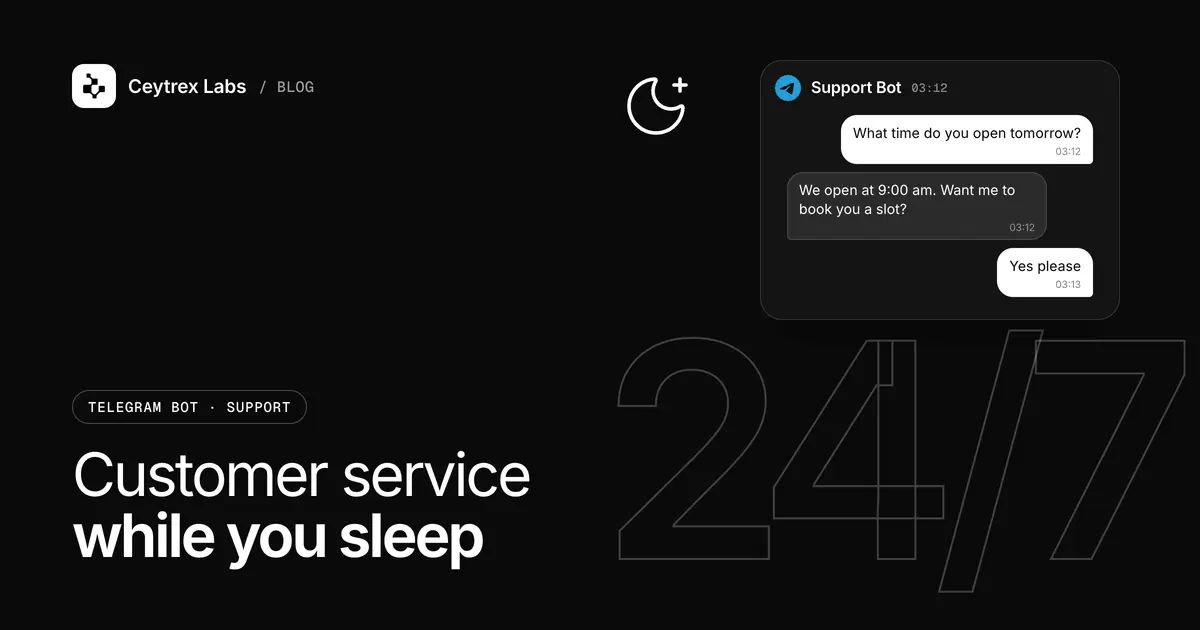
A customer-service bot is only as good as its design: which questions it answers, how the buttons are laid out, and what happens when it cannot help. This is the design process we use for Telegram support bots in Colombo, step by step, from choosing the first 10 questions to measuring whether the bot is actually taking load off your team.
Quick answer: Pick the 10 questions your team answers most often (from last month's real messages), write one approved answer for each, and put them behind a short button menu built with inline keyboards. Add a "Talk to a person" button on every screen that alerts a private staff group with the customer's details. Then track which buttons are tapped, which typed questions go unanswered, and how often people ask for a human, and update the menu monthly.
Step 1: Pick the First 10 Questions From Real Messages
Do not guess the questions in a meeting. Your Telegram, WhatsApp, Facebook and phone logs already contain them. Spend an hour with last month's messages and tally every question that has a standard answer.
- Export or scroll through one month of messages across every channel customers use, not only Telegram.
- Write each question in the customer's words, then group similar ones ("price?", "how much?", "rate card eka?" all go under Pricing).
- Count each group and sort from most to least frequent.
- Remove questions that need judgement - custom quotes, complaints, refunds. These become handoff triggers, not menu items.
- Keep the top 10. For many service businesses they look like: services, prices, location, hours, delivery or service areas, turnaround time, how to order or book, payment methods, order status, and how to reach a person.
Each answer should be short enough to read on a phone without scrolling, contain the actual information (the price, the hours, the map link), and end with one clear next step. If an answer depends on something the bot cannot know, such as stock today, it is a lookup or a handoff, not an FAQ.
Step 2: Design the Menu and Keyboard
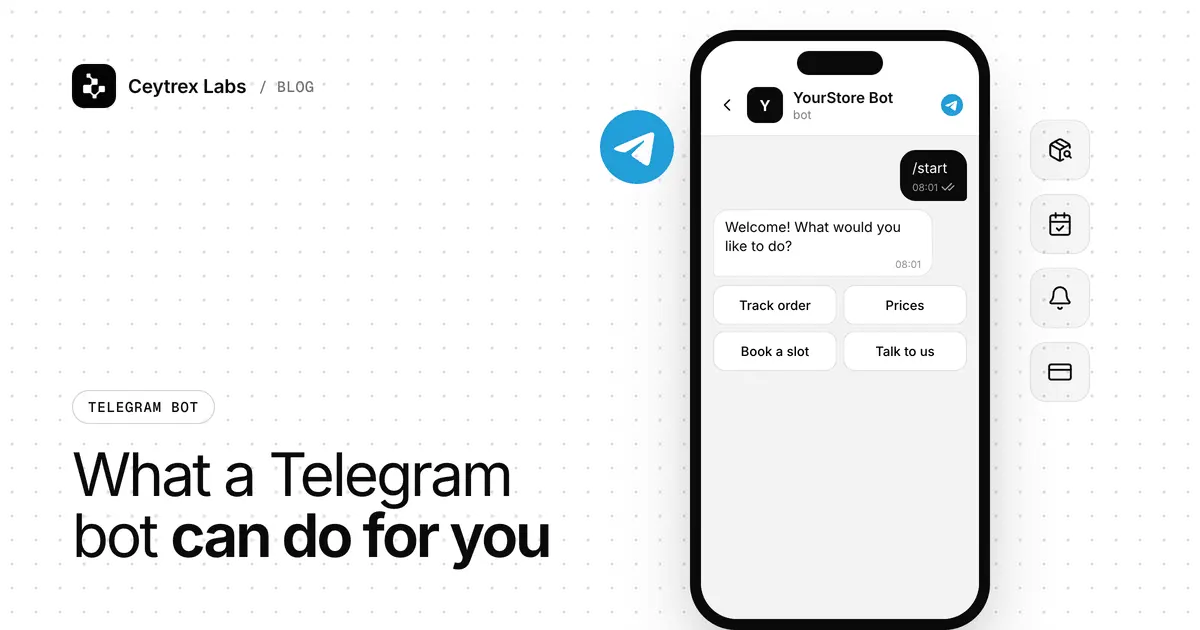
Telegram gives you two kinds of buttons (Telegram: Bot features). Inline keyboards sit under a bot message; tapping one does not post anything into the chat, and the bot can edit the same message to show the next screen. Reply keyboards replace the phone keyboard and send the button text as a normal message. For a support menu, inline keyboards keep the chat clean and are what we use by default.
Menu rules that work
- Start with a language choice if you serve Sinhala, Tamil and English customers, then show every screen in that language.
- Six to eight buttons on the main menu, two per row, with short labels such as "Prices", "Delivery", "Hours & location", "Order status".
- No more than two levels deep. Main menu, then one sub-menu. Anything deeper should be a short form or a handoff.
- "Back" and "Talk to a person" on every screen, so nobody feels trapped.
- Set the bot commands in BotFather (/start, /help, /menu) so customers can always reset. Telegram expects /start and /help in every bot.
- Handle typed messages too. Many customers ignore buttons and type. Match common words to the right answer, and send anything unmatched to the fallback described below.
Example main menu (illustration)
| Button | What the bot does next |
|---|---|
| Prices | Shows the rate card, then buttons for each package and "Get a custom quote" |
| Delivery | Asks for the city or picks from a list, then shows charge and timeframe |
| Hours & location | Opening hours, address and a Google Maps link |
| Order status | Asks for the order number and looks it up in your system |
| How to order | Steps plus a link to the order form or a short in-chat order flow |
| Talk to a person | Collects name and question, then alerts the staff group |
Step 3: Build the Human Handoff
The handoff decides whether customers trust the bot. A bot that guesses or loops destroys trust; a bot that says "I will pass this to our team" and then a person actually replies builds it. Design it in four parts:
- Triggers - the customer taps "Talk to a person", types something the bot cannot match twice in a row, or picks a topic you flagged as human-only (complaints, refunds, custom quotes).
- Context capture - the bot asks one or two questions (name, order number, short description) so staff do not start from zero.
- Staff alert - the bot posts a summary into a private Telegram staff group: customer name, language, the path they took, and their question. A "Claim" button shows who is handling it.
- Honest expectation - the customer gets a clear message: who will reply, during which hours, and what to do if it is urgent (for example, your phone number).
A useful pattern is a relay: staff reply to the alert in the staff group, and the bot forwards that reply to the customer. The customer stays in one chat and staff never share personal Telegram accounts. Outside office hours, the bot should say so plainly and promise a reply time you can keep.
Never let the bot invent an answer. If a question is not in its approved content, it should say so and hand over. This rule matters even more if you later add AI to handle typed questions.
Step 4: Measure, Then Improve Monthly
Telegram will not tell you which answers worked or where customers gave up, so the bot should log events to your own database. Four numbers tell you most of what you need:
| Measure | How to get it | What it tells you |
|---|---|---|
| Button taps per item | Log every button press | Which answers carry the load; move popular ones to the top |
| Unmatched typed messages | Log text the bot could not match | Your next FAQ items, written in customers' own words |
| Handoff rate | Handoffs divided by conversations started | Rising rate means content gaps or a confusing menu |
| Time to first human reply | Alert time to first staff reply | Whether your team keeps the promise the bot makes |
Once a month, read the unmatched messages, add or rewrite answers, and remove buttons nobody taps. To estimate staff time saved, count the routine questions the bot answered without a handoff and multiply by the time your team spends per reply. Use your own figures rather than industry averages.
What It Costs to Build and Run
Ceytrex Labs builds Telegram bots for LKR 20,000-75,000+. A button-menu FAQ bot with a staff-group handoff usually sits in the lower to middle part of that band. Adding a language picker with three languages, order-status lookups from your system, or an admin panel so staff can edit answers moves it up. Telegram's Bot API itself is free (Telegram: Bots); you pay for a server to run the bot, which can often be one you already have. The full cost breakdown, including hosting, is in our Telegram bot guide for businesses.
If your customers message you on WhatsApp rather than Telegram, the same design rules apply, but the platform rules and costs differ. See our Telegram vs WhatsApp comparison, or Ceytrex Agent for AI replies on WhatsApp that hand chats to your staff.
Launch Checklist
- Ten answers written, checked for current prices, and translated
- Main menu tested on Android and iPhone, including small screens
- Every screen has Back and Talk to a person
- Typed-message fallback tested with misspellings and Singlish
- Staff group created, everyone added, alert format agreed
- Office hours and after-hours message set
- Event logging working before launch, not after
- Bot link and QR code added to your website, receipts and social profiles
Frequently Asked Questions
Should the bot answer typed questions with AI or stick to buttons?
Start with buttons and simple keyword matching. They are cheaper, predictable and always give the approved answer. Add AI later if the unmatched-message log shows many valid questions phrased in ways keywords cannot catch, and limit it to your own approved content.
Can staff reply to customers through the bot instead of their own accounts?
Yes. With a relay design, staff reply inside a private staff group and the bot forwards the message to the customer. Customers never see staff personal accounts, and replies stay in one chat history.
Can the bot send a follow-up message later, for example when an order ships?
Yes, to customers who have already started a chat with it, since Telegram bots cannot message anyone first (Telegram: Bots). Store the customer's chat ID with their order so your system can trigger the update.
How do we keep answers up to date when prices change?
Either ask your developer to update the text, or have an admin panel built so staff can edit answers themselves. If prices change often, the admin panel usually pays for itself in saved back-and-forth.
How quickly can a support bot be ready?
A simple bot usually takes 1-3 weeks. In practice the timing depends on how fast the 10 answers are written and approved in every language you offer.
Design your support bot with us.
Send us your top customer questions. We will propose the menu, the handoff and a fixed-price quote in LKR.
Sources
- Telegram: Bot features - inline vs reply keyboards, commands, BotFather
- Telegram: Bots, an introduction for developers - free platform, bots cannot start conversations
- Telegram Bot API - methods for editing messages and inline keyboards