Telegram Marketing in Sri Lanka - How to Build a Subscriber Base That Actually Converts
Most Sri Lankan businesses think of Telegram as a messaging app. The ones using it strategically treat it as a free broadcast channel - a direct line to a subscriber base that opted in to hear from them, with no algorithm deciding who sees what.
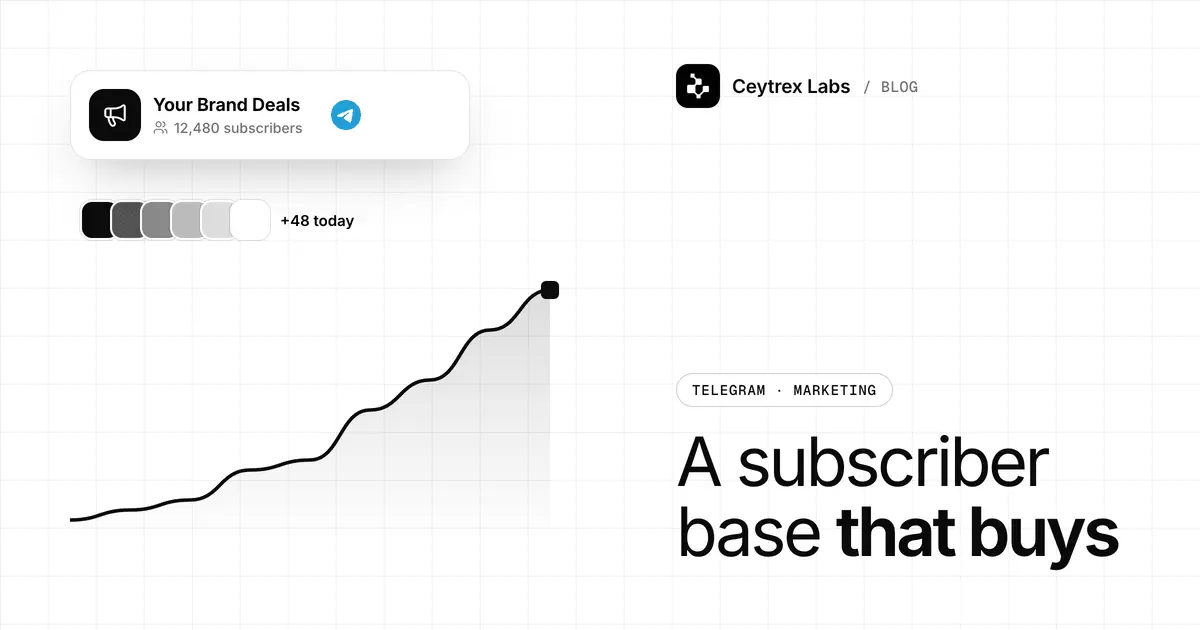
A Telegram channel is a one-way feed: you post, subscribers read, and posts appear in order with no feed algorithm choosing who sees them. It costs nothing to send, however large it grows. This guide covers how to pick between a channel and a group, how to grow subscribers from zero, how often to post, and how to turn readers into enquiries with a bot, plus where WhatsApp Channels and email fit instead.
Quick answer: Use a public Telegram channel for announcements and a linked discussion group if you want comments. Grow it by putting your t.me link and a QR code everywhere customers already meet you, using a separate invite link per source so you know what works. Post on a steady rhythm (a few useful posts a week beats daily noise), and add a bot button to posts so interested readers can ask for a quote. If your customers live on WhatsApp or email, a Telegram channel should be an extra, not your main list.
Channel or Group: Pick the Right Tool
Telegram describes groups as suited to friends, family and small teams, and channels as a tool for broadcasting to large audiences (Telegram FAQ). For a business, the difference is who gets to talk.
| Channel | Group | |
|---|---|---|
| Who posts | Only admins | Every member (unless restricted) |
| Size limit | Unlimited subscribers (Telegram) | Up to 200,000 members (Telegram) |
| Posts signed as | The channel name and photo; admin signatures optional | The member who posted |
| Comments | Optional, through a linked discussion group | Built in |
| View counts | Each post shows approximate views | No per-post view counter |
| Best for | Offers, new stock, updates, tips | Customer community, support among members, classes |
| Moderation effort | Low | High: spam and off-topic posts need admins or a bot |
Most businesses should start with a channel. A public channel gets a username (t.me/yourshop) and can be found in Telegram search; a private channel is joined only through an invite link (Telegram: Channels FAQ). One detail catches people out: as owner you can only add the first 200 subscribers directly. After that, people must join through your link.
Set Up the Channel So It Converts From Day One
- Name and username - your business name as people search for it, and a short username you can print on a receipt.
- Description - one line on what subscribers get and how often, for example "New arrivals and weekend offers, 3-4 posts a week."
- Pinned welcome post - what the channel is for, how to order, and a button or link to your bot or contact page.
- Discussion group (optional) - link one if you want comments under posts; skip it if you cannot moderate it.
- Admins - give staff only the rights they need; Telegram lets owners set each admin's permissions separately.
- Ten posts before promotion - an empty channel does not convince anyone to join.
Growth Tactics That Work Without Ad Spend
- Use one invite link per source. Telegram lets admins create extra named invite links and see who joined through each one (Telegram: invite links). Make one for your shop counter QR, one for Instagram, one for receipts, and you will know which source actually brings subscribers.
- Put the link where customers already are - your website footer, Google Business Profile posts, Facebook and Instagram bios, email signature, delivery bags and invoices.
- Give a reason to join - first look at new stock, a members-only weekly offer, or useful content such as a price list that is always current.
- Ask at the moment of purchase - "Join our channel for order-ready alerts and offers" at checkout converts better than a cold post.
- Cross-promote with non-competing businesses that share your audience, such as a salon and a bridal wear shop swapping a post.
- Make posts easy to forward - Telegram view counts include views of forwarded copies, so a genuinely useful post spreads on its own.
Telegram also runs its own ad platform, which shows short sponsored messages in public channels and lets advertisers pick the channels (Telegram Ads). For most small local businesses it is simpler to promote the channel link through ads you already run on Facebook or Instagram (see our Meta ads guide) or in store.
Posting Rhythm and What to Post
Pick a rhythm you can keep for six months, then stick to it. For most shops and service businesses, three to five posts a week is plenty. Mostly useful posts, with offers mixed in, keeps people from muting the channel.
| Post type | Example | Suggested frequency |
|---|---|---|
| New stock or service | Photos of this week's arrivals with prices | 1-2 a week |
| Useful tip | "How to choose the right size", "What to bring to your appointment" | 1-2 a week |
| Offer | Weekend discount or limited bundle with an end date | 2-4 a month |
| Behind the scenes | Packing orders, a new team member, a workshop | 2-3 a month |
| Poll | "Which colour should we restock?" | Once or twice a month |
- Schedule posts by holding the Send button and choosing Schedule Message (Telegram blog), so a week's posts can be prepared in one sitting.
- Send late or minor posts silently. Channel admins can post without a notification sound by tapping the bell icon (Telegram blog).
- Post in your customers' language. Sinhala, Tamil, English or a mix; if you serve several groups, keep each post short and bilingual rather than running separate channels.
- Read the view counts to compare posts, but treat them as rough: Telegram notes they are approximate (Telegram: Channels FAQ).
Turn Readers Into Enquiries With a Bot
A channel cannot take replies, and that is where most channels leak interest. A companion bot closes the gap:
- Add a button to posts that opens your bot, using a deep link such as t.me/YourShopBot?start=sale_oct. Telegram passes the value after start= to the bot, so you know which post the enquiry came from (Telegram: Bot features).
- The bot asks two or three questions - which item, size or service, and a phone number or preferred contact time.
- The bot alerts your staff group with the answers, so someone follows up while interest is fresh.
- Track enquiries per post using the start values, and post more of what produces enquiries rather than views.
Ceytrex Labs builds these bots as part of our Telegram bot service, from LKR 20,000. For how to design the menu and handoff, see our customer-service bot design guide.
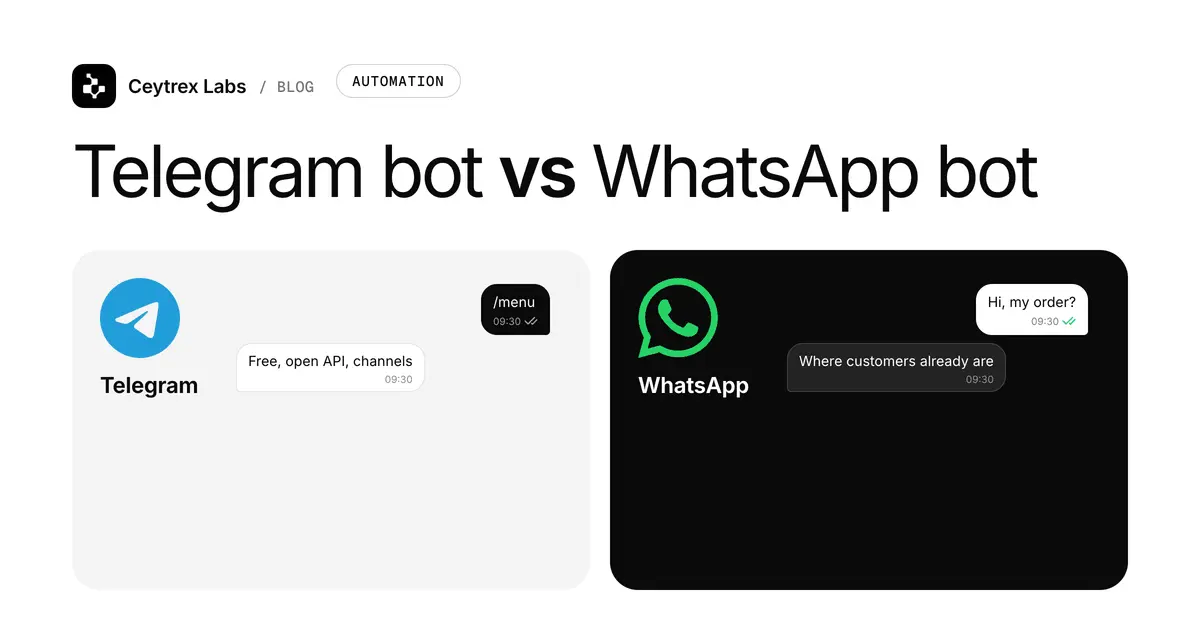
Telegram Channel vs WhatsApp Channels, Communities and Email
Before committing, compare the alternatives. The best list is the one your customers will actually open.
| Telegram channel | WhatsApp Channel | WhatsApp Community | Email list | |
|---|---|---|---|---|
| Direction | One-way, comments optional | One-way | Announcements plus member groups | One-way, replies by email |
| Subscriber privacy | Subscribers do not need your number | Followers' phone numbers are not shown to admins (WhatsApp) | Members are in groups together | You hold their email address |
| Where it appears | In the chat list | In the Updates tab, separate from chats | In the chat list | Inbox, sometimes the promotions tab |
| Do you own the contact list? | No, Telegram does | No, WhatsApp does | No | Yes, you can export and move it |
| Turns into a sale by | Bot button or link | Link in the post | Members message you | Link to your site or checkout |
WhatsApp Channels are one-way updates that live in the Updates tab, and admins can post text, photos, videos, stickers and polls (WhatsApp: Introducing Channels). In a WhatsApp Community, only admins can post in the announcement group that reaches all members (WhatsApp Help: community announcements). If most of your customers are on WhatsApp, a WhatsApp Channel may reach more of them than a Telegram channel would.
Email and SMS are the lists you actually own: if a platform changes its rules, your contacts stay with you. Ceytrex Marketing runs email and SMS campaigns from one contact list, with SMS in Sinhala, Tamil and English under your own sender ID. A sensible setup for many shops is a channel for frequent, casual updates and email or SMS for the offers that must reach everyone.
Frequently Asked Questions
How many subscribers does a channel need before it is worth the effort?
There is no magic number. A few hundred local buyers who open your posts can matter more than thousands of random followers. Judge it by enquiries and orders that come from the channel, which the bot deep links let you count.
Can I import my customer phone list into a Telegram channel?
Only partly. You can add up to the first 200 subscribers directly, and only people who are on Telegram (Telegram: Channels FAQ). After that, people join through your link. Only add people who expect to hear from you.
Should I run a Telegram channel and a WhatsApp Channel at the same time?
Only if you can keep both active. Posting the same content to both is fine. Start with whichever app your customers already use, and add the second when people ask for it.
Who can see that I posted, and can staff post under the business name?
Channel posts are signed with the channel name and photo, not the person who posted. Owners can turn on admin signatures if they want staff names shown (Telegram: Channels FAQ).
Does a channel help my Google rankings?
Not directly. Treat the channel as a way to keep in touch with people who already know you. Your website and Google Business Profile do the work of being found in search.
Add a bot to your Telegram channel.
We build companion bots that turn channel readers into enquiries and alert your team. Fixed-price quotes in LKR.
Sources
- Telegram: Channels FAQ - unlimited subscribers, 200 direct invites, public vs private, view counts, signatures, discussion groups
- Telegram FAQ - groups vs channels, 200,000-member groups
- Telegram blog: invite links - additional and named invite links
- Telegram blog: scheduled messages - scheduling posts
- Telegram blog: Channels 2.0 - silent posts
- Telegram: Bot features - deep links with start parameters
- Telegram Ads - sponsored messages in public channels
- WhatsApp Channels and WhatsApp blog - how Channels work
- WhatsApp Help: community announcements - announcement groups