WordPress vs Custom Website - What Every Sri Lankan Business Owner Should Know Before Deciding
A developer tells you your business needs a custom-built website, not WordPress. Another says WordPress is all you need. Both might be right - for different reasons. Here is how to make this decision based on your actual business requirements, not the developer's preference.
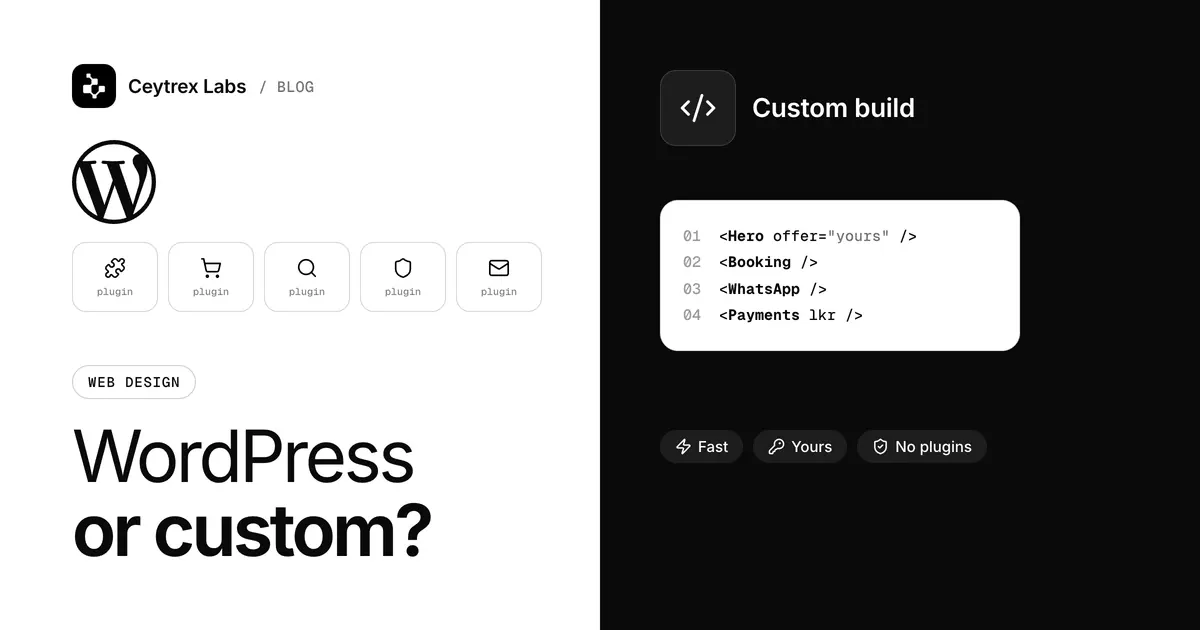
One developer says your business needs a custom-built site; another says WordPress is all you need; a friend says just use a website builder. All three can be right, because the real question is not which technology is best but who will keep the site updated, secure and hosted for the next five years. This guide compares the three options on exactly that.
Quick answer: Choose WordPress if your team will edit content often and you are ready to keep plugins and themes updated. Choose a custom Next.js build when the site behaves like an application or speed and control matter more than plugin choice, and you have a developer on call. Choose a hosted site builder if you want the platform to handle hosting and security and you accept a monthly subscription and less portability. Hosting follows the choice: WordPress hosting from LKR 7,500/year, Next.js hosting from LKR 20,900/year at Ceytrex.
The Three Options Side by Side
| Factor | WordPress | Custom (Next.js) | Hosted site builder |
|---|---|---|---|
| Who maintains the software | You or your developer: core, theme and plugin updates | Your developer: framework and package updates | The platform |
| Content editing | Built-in editor, familiar to many staff | Needs a CMS or admin panel planned into the build | Built-in drag-and-drop editor |
| Design freedom | High with a custom theme | Complete | Limited to what the builder supports |
| Hosting | Any PHP hosting, ideally WordPress-tuned | Needs a Node.js server or a platform that runs Next.js | Included in the subscription |
| Main security risk | Outdated or untrusted plugins and themes | Bugs in your own code and outdated packages | Weak passwords on your account |
| Cost pattern | One-time build plus yearly hosting | Higher one-time build plus yearly hosting | Monthly or yearly subscription, often in USD |
| Moving away later | Easy: files and database are yours | Easy if you own the code repository | Hard: usually a rebuild |
WordPress: Flexible, but Someone Must Keep It Updated
WordPress runs about 40% of all websites, according to W3Techs in October 2026. That popularity is its biggest strength: plenty of themes and plugins, plenty of developers in Sri Lanka who know it, and an editor most staff can learn in an afternoon. WooCommerce adds a store when you need one.
The same popularity makes it a common target, so WordPress is only as safe as its upkeep. Since version 3.7, WordPress applies minor and security releases automatically on most hosting, but major versions still need a click, as the official update guide explains. The WordPress hardening guide adds three rules that matter for every business site: keep plugins updated, never install plugins or themes from untrusted sources, and back up regularly, including the database.
- Good fit: service businesses, restaurants, hotels, schools and small shops where staff post updates, menus, offers or blog posts.
- Watch out for: "nulled" (pirated) premium themes, which often carry malware and never get updates; stacks of overlapping plugins; and page builders that leave your content tangled in their own formatting if you remove them later.
Custom Next.js: Fast and Controlled, but Developer-Dependent
A custom build in Next.js (a React framework) has no plugin marketplace. Every feature is written for your site, which keeps pages lean and gives full control over design, speed and integrations such as payments, booking or WhatsApp notifications. It is the natural choice when the site is really an application: customer logins, dashboards, quote calculators, or data pulled from your own systems.
The trade-off is dependence on developers. There are no plugin updates to click, but the framework and its packages still need updating, and only someone who can read the code can do it. Content editing has to be designed in, either through a headless CMS or a simple admin panel, otherwise every text change becomes a developer ticket. Insist on owning the code repository and on basic documentation, so another developer can take over if needed.
Site Builders: Least Maintenance, Least Control
Hosted builders such as Wix, Squarespace or Shopify handle hosting, updates and security for you. For a sole trader or a small shop that wants to start this week, that is a real advantage. The costs are less obvious: a recurring subscription that is often billed in US dollars to an international card, design and feature limits, and the fact that you usually cannot export the site to run elsewhere. If you outgrow the builder, plan for a rebuild rather than a migration.
What Each Choice Means for Hosting
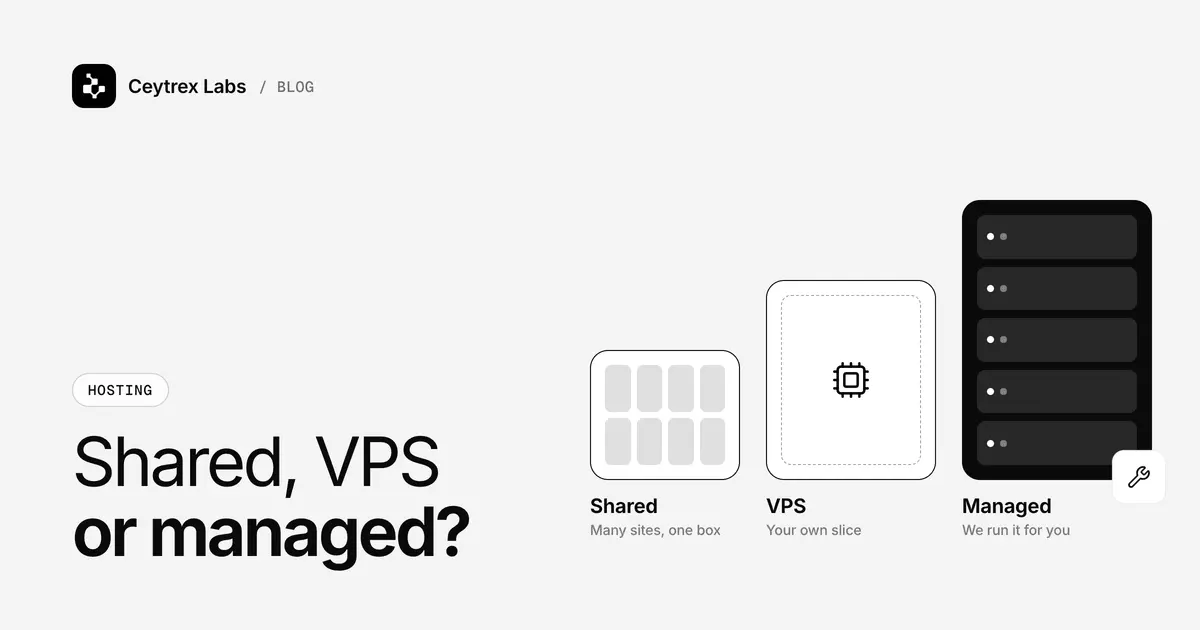
The platform decides the kind of hosting you need, and that is a yearly cost for as long as the site is live. Our prices are listed in LKR and renew at the price you first paid.
| Platform | Suitable Ceytrex hosting | Price (LKR per year) | Why |
|---|---|---|---|
| Small WordPress site | Small Business hosting | From 4,900 | cPanel with 1-click WordPress, free SSL, weekly backups |
| WordPress site you want looked after, or WooCommerce | WordPress hosting | From 7,500 | Managed on Plesk: automatic updates, staging, malware cleanup, firewall, free CDN, weekly backups |
| Next.js site or app | Next.js hosting | Starter 20,900 / Pro 34,900 / Scale 69,900 | Runs on a Node.js 20 server with Git deploys |
| Site builder | Not needed | Included in the builder subscription | The platform hosts it |
Cheap shared hosting can run a light WordPress site, but a heavy theme with many plugins on an overloaded server is a common cause of slow pages. Our website speed guide covers how to tell whether hosting is your bottleneck.
Who Does What After Launch
| Task | WordPress | Custom (Next.js) | Site builder |
|---|---|---|---|
| Software updates | Monthly: plugins, themes, major core versions | Every few months: framework and packages, by a developer | Automatic |
| Backups | Hosting backups plus a copy before big updates | Code in a repository plus database backups | Platform-managed |
| Security monitoring | Malware scans, login protection | Dependency alerts, code reviews | Platform-managed |
| Content changes | Your staff | Your staff if a CMS was built in; otherwise a developer | Your staff |
| SSL renewal | Automatic on cPanel hosting | Automatic on most Node.js hosting | Automatic |
If nobody in your team will own these tasks, budget for them. Our website maintenance plans cover core, plugin and CMS updates, backups and monitoring from LKR 6,500 a month, including for sites we did not build.
Five Questions That Settle the Decision
- How often will someone in your business edit the site, and how comfortable are they with an editor?
- Does the site need logins, dashboards, calculators or connections to your own systems? If yes, lean custom.
- Who will apply updates every month, and is that cost in your budget?
- Do you need to own and move the site later, or is staying on one platform acceptable?
- What can you spend up front versus every year? Our website cost guide breaks down both.
At Ceytrex Labs we build on both WordPress and Next.js. In the projects we take on, the deciding factor is usually who will edit the site and what it has to do, not a preference for one stack. If you tell us both, we will recommend one and explain why in the quote.
Frequently Asked Questions
Does Google rank custom sites higher than WordPress sites?
No platform gets a ranking bonus. Google's SEO starter guide focuses on helpful content, clear titles, crawlable pages and good page experience, and both WordPress and Next.js sites can do all of that well or badly.
Is WordPress safe for a business website?
Yes, when it is maintained: current core version, a small set of plugins from the WordPress.org directory or reputable vendors, strong admin passwords and regular backups. An abandoned plugin or a pirated theme is a common way in for attackers, so remove anything you no longer use.
Can I move from a site builder to WordPress later?
You can move your text and images, but the design and features are normally rebuilt. Keep your domain registered in your own name from the start so changing platform never means changing address.
Will a custom site lock me in to one developer?
Only if you let it. Ask for the code repository in your account, the hosting and domain in your name, and short documentation on how to run and deploy it. With those, any competent Next.js developer can take over.
Should my WordPress site use a page builder like Elementor?
A page builder lets non-developers change layouts, but it adds weight to every page and ties your content to that plugin. For sites where staff only change text and images, the built-in block editor with a custom theme is usually lighter and easier to keep fast.
Not sure which platform suits your business?
Tell us what your site must do and who will run it. We will recommend WordPress, Next.js or a simpler option, with the build and yearly costs in LKR.
Sources
- W3Techs: WordPress usage statistics - share of all websites using WordPress
- WordPress.org: Updating WordPress - automatic minor and security updates
- WordPress Developer Resources: Hardening WordPress - updates, trusted sources and backups
- Google Search Central: SEO starter guide - what Google looks for, regardless of platform