Website Speed in Sri Lanka: Why Slow Pages Cost You Leads in 2026
A visitor taps your ad, waits, and leaves before your page loads. You still pay for the click, but you never get the lead. Website speed is not a technical vanity metric in 2026. It is a revenue metric.
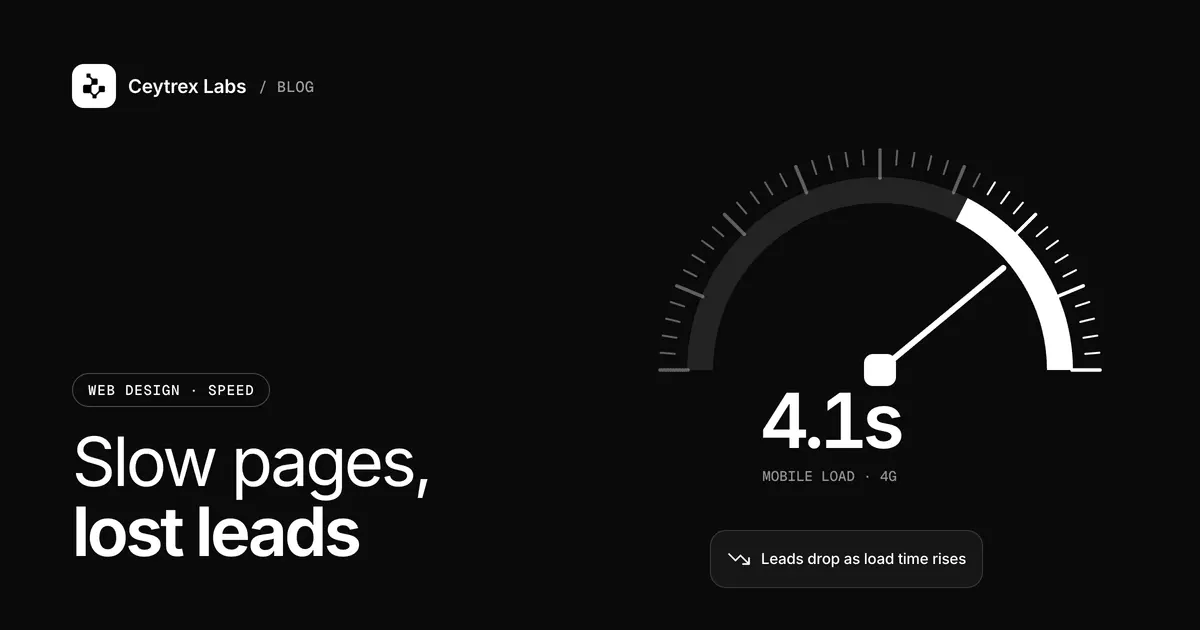
A page that opens instantly on office fibre can crawl on a phone with a weak signal and a nearly used-up data package. Your visitors see the second version. This guide explains the three Core Web Vitals Google uses to measure speed, how to test your own site with free Google tools, the fixes that usually matter most, and when a rebuild makes more sense than patching.
Quick answer: Aim for Google's "good" Core Web Vitals on mobile: LCP at 2.5 seconds or less, INP at 200 ms or less and CLS at 0.1 or less, measured at the 75th percentile of real visits. Test with PageSpeed Insights and the Core Web Vitals report in Search Console. The usual culprits are oversized images, heavy web fonts, third-party scripts and slow hosting, in roughly that order.
The Three Core Web Vitals in Plain Terms
Google's Web Vitals programme measures three things a visitor actually feels. Interaction to Next Paint (INP) replaced First Input Delay as the responsiveness metric in 2024, so older guides that mention FID or "Time to Interactive" are out of date.
| Metric | What the visitor experiences | Good | Needs improvement | Poor |
|---|---|---|---|---|
| Largest Contentful Paint (LCP) | How long until the main image or headline appears | 2.5 s or less | 2.5 - 4.0 s | Over 4.0 s |
| Interaction to Next Paint (INP) | How quickly the page reacts when they tap a button or open a menu | 200 ms or less | 200 - 500 ms | Over 500 ms |
| Cumulative Layout Shift (CLS) | Whether things jump around while loading, causing mis-taps | 0.1 or less | 0.1 - 0.25 | Over 0.25 |
A page passes when at least 75% of real visits meet the "good" threshold, measured separately for mobile and desktop. That matters: your own fast phone on Wi-Fi is not the 75th percentile visitor.
Does speed affect Google rankings? Google says Core Web Vitals are used by its ranking systems, but that there is no single page experience signal and good scores do not guarantee top rankings (Google Search Central). The stronger business reason is simpler: a visitor who never sees your offer cannot contact you.
How to Test Your Site
- Open PageSpeed Insights, enter the URL of a page that receives ad or search traffic, and choose Mobile.
- Read the top section first. That is field data from real Chrome users over the previous 28 days. If your site is new or small, there may not be enough visits, and PageSpeed Insights falls back to data for your whole domain or shows none.
- Then read the lab data below it. Lighthouse loads the page on a simulated mid-range phone on a mobile network, which is useful for finding causes but can differ from real visits. The 0-100 score is a lab score: 90 or above is good and under 50 is poor (PageSpeed Insights documentation).
- In Search Console, open the Core Web Vitals report. It groups similar URLs, so one slow template shows up as many affected pages.
- Finally, test on a real budget Android phone on mobile data, away from Wi-Fi. Watch for the moment you could actually tap "WhatsApp us".
Lab scores move between runs because of network routing, ads and the testing machine, so compare several runs rather than reacting to one number.
Mobile Data Realities in Sri Lanka
We are not going to quote a national average speed, because averages hide what matters. In practice, the visitors a Sri Lankan business site has to work for include people on prepaid data packages who notice heavy pages, people on mid-range phones with less processing power than a developer's laptop, and people indoors, travelling or outside the main towns where signal strength drops. Two consequences follow:
- Page weight costs your visitor money and patience. A homepage with a 5 MB slideshow uses part of someone's data package before they read a word.
- Processing power matters as much as the connection. A page packed with scripts may download quickly and still feel frozen on a cheaper phone, which is exactly what INP measures.
The Fixes That Usually Matter Most
1. Images
The largest element on most business pages is a photo, so images are usually the quickest LCP win. Resize images to the size they are displayed at, export them as WebP or AVIF, and compress them. Do not lazy-load the main hero image; Google's LCP optimisation guide recommends making it discoverable in the HTML and giving it high fetch priority instead. Set width and height on every image so the layout does not jump when it arrives, which fixes much of CLS.
2. Fonts, especially Sinhala and Tamil
Sinhala and Tamil font files cover many more characters than a Latin font, and a site that loads several weights in three scripts can be surprisingly heavy. Following web.dev's font best practices: use WOFF2 files, load only the weights you use, subset fonts so each page downloads only the scripts it needs, use font-display: swap so text appears immediately, and preload only the one or two fonts needed above the fold.
3. Third-party scripts
Ad pixels, analytics, chat widgets, review badges, embedded maps and video players all add JavaScript, and they are a common cause of poor INP. Web.dev's guide to loading third-party JavaScript recommends removing scripts that do not clearly earn their place, loading the rest with async or defer, and lazy-loading embeds until they are needed. A practical rule: list every script on the page and name the person who uses its data. If nobody does, remove it.
4. Hosting and caching
If the server takes a long time to send the first byte, everything else waits; web.dev treats this Time to First Byte as the first part of LCP. Page caching, a CDN for images and an up-to-date PHP version help on WordPress; a heavy theme with many plugins on an overloaded shared server is a common pattern. Moving to better hosting fixes server delay, but it will not fix a 4 MB hero image. Our hosting plans are billed in LKR; Business hosting runs on LiteSpeed with NVMe storage in Singapore, close to Sri Lanka, from LKR 7,900/year, and managed WordPress hosting adds LiteSpeed caching and a free CDN from LKR 7,500/year.
Which Pages to Fix First
- Pages that receive paid ad traffic, because every slow visit is a click you paid for.
- The service pages that bring the most search visitors, from the Search Console Performance report.
- Any shared template, such as the service page layout, because one fix improves every page built on it.
- The contact and checkout pages, where a slow or jumpy form loses people who had already decided.
After fixing, use "Validate fix" in the Search Console Core Web Vitals report. Google then monitors the affected URLs for 28 days before marking the issue fixed, so do not expect the report to change overnight.
Fix or Rebuild?
| Situation | Usually the right move |
|---|---|
| Large images, too many scripts, no caching | Fix: these are hours or days of work |
| Good lab scores but poor field data | Fix: look for heavy scripts and slow hosting under real conditions |
| WordPress with a heavy page builder and dozens of plugins | Fix first, then consider a lighter theme if INP stays poor |
| Platform no longer updated, or every page built differently | Rebuild: patching will not hold |
| A builder site where you cannot control scripts or images | Consider moving to a platform you control |
Our WordPress vs custom website guide explains the platform trade-offs if a rebuild is on the table. If speed is fine but enquiries are still low, the problem is elsewhere; work through our lead diagnosis guide.
Frequently Asked Questions
My PageSpeed score is 60. Is that bad?
It is in the "needs improvement" band of the lab score, but the score itself is not what Google uses for Core Web Vitals. Look at the field data for LCP, INP and CLS. If those are all good, a mid-range lab score is less urgent than it looks.
Why is there no field data for my site?
Field data comes from real Chrome users who allow usage statistics, and Google only shows it when a page or site has enough visits. Small or new sites often have none. Use the lab data and real-phone tests until traffic grows.
Will a caching or speed plugin fix my WordPress site?
It can help with server response and repeat visits, but it cannot shrink an oversized image or remove a chat widget's JavaScript. Fix images and scripts first, then add caching.
Do I need to remove my Facebook Pixel or Google Analytics?
No. Measuring ads and enquiries is worth a small cost. Load them asynchronously and remove duplicates; it is common to find the same tag installed twice, once by a plugin and once by hand.
Can someone keep an eye on speed for me?
Yes. Our website maintenance plans include uptime monitoring, updates and backups from LKR 6,500 a month, with a monthly performance check from the Growth plan (LKR 14,500 a month), including for sites we did not build.
Want your key pages checked on a real phone?
Send us the pages that matter most. We will test them, explain what is slowing them down and quote a fixed price to fix it.
Sources
- web.dev: Web Vitals - the three Core Web Vitals and the 75th percentile rule
- web.dev: LCP, INP and CLS - thresholds for each metric
- web.dev: Optimize LCP - image priority, lazy-loading and server response
- web.dev: Best practices for fonts - WOFF2, subsetting, font-display and preload
- web.dev: Load third-party JavaScript - async, defer and removing unused scripts
- PageSpeed Insights documentation - field vs lab data and score ranges
- Search Console Help: Core Web Vitals report - URL groups and validating fixes
- Google Search Central: Understanding page experience - how Core Web Vitals relate to ranking